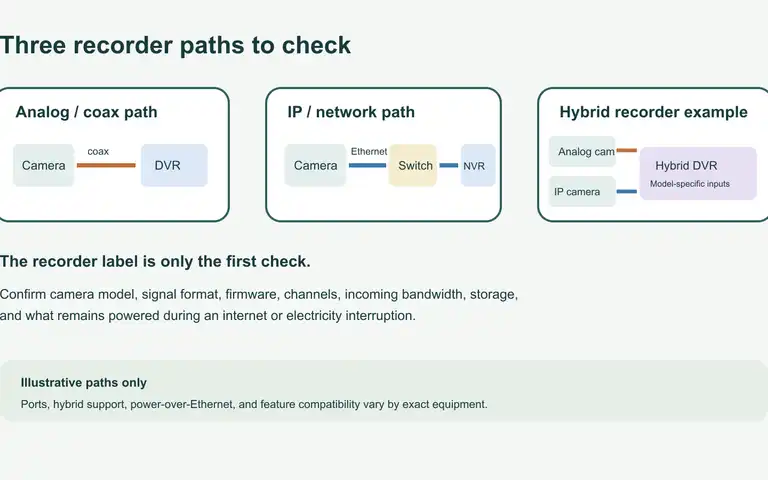
Before replacing a camera recorder, identify the camera signal and cable, then confirm the exact recorder's supported models, bandwidth, storage, and local recording behavior.
Home safety and security
Choose the safety question your home needs answered
A fire escape plan, working smoke and carbon-monoxide alarms, secure entries, and an outage fallback each solve a different problem. Pick the task that matters now, then check the next layer without assuming one device covers every risk.
Is this the right starting point for you?
- Who this is for
- Homeowners and renters checking escape routes, alarms, entry security, household response habits, privacy-aware technology, or what changes during a power or internet outage.
- First decision
- Is the next useful task an escape practice, an alarm check, an entry walk-through, or a test of what still works without power?
- Escape and alarm checks practiced
- Physical basics before subscriptions
- Privacy and outage limits reviewed
Choose what applies
Fire safety, alarms, entry security, and outage continuity call for different first steps. Choose the question that fits your home.
-
If you need a practiced way out of the home during a fire.
Make a Home Fire Escape Plan That Everyone Can Use -
If you are checking alarm placement, maintenance, or replacement.
Smoke and Carbon Monoxide Alarms: A Household Planning Guide -
If you are reviewing entry points, lighting, and household response.
Home Security Basics: A Practical 7-Layer Plan -
If power or internet loss changes an alarm or security layer.
Power Outage Home Security Plan: Offline Fallbacks That Work
27 additional planning guides
More Home safety & security guides
Check the updated date, sources, assumptions, and safety limits inside each guide before acting.
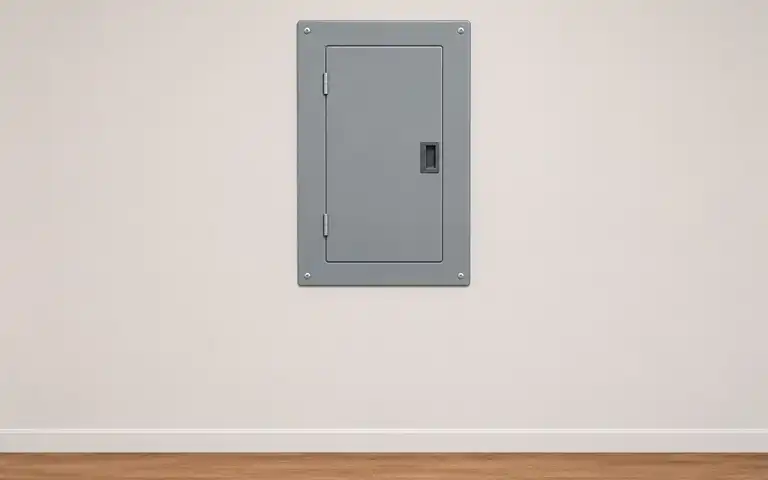
Burning smells, sparks, buzzing, heat, scorch marks or repeated breaker trips can signal electrical trouble. Keep clear, do not open or reset a panel, and call emergency services or a licensed electrician as conditions require.
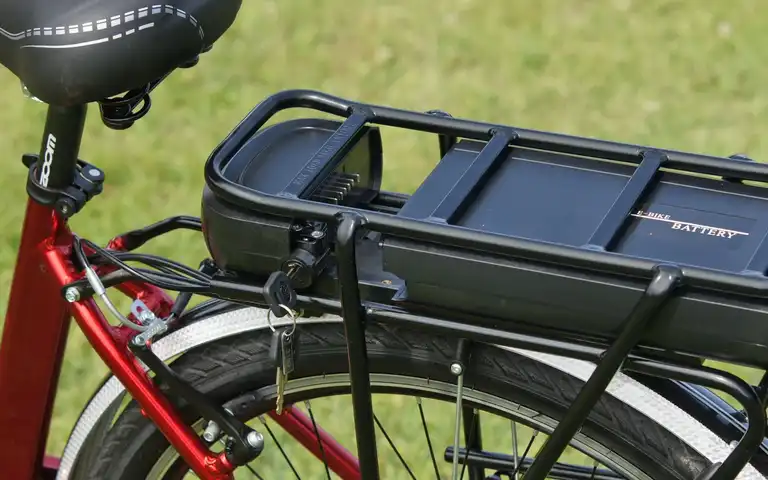
Use only the charger supplied or explicitly approved by the bike manufacturer. Remain present while charging, keep exits clear, and never charge a damaged, modified, or recalled pack.
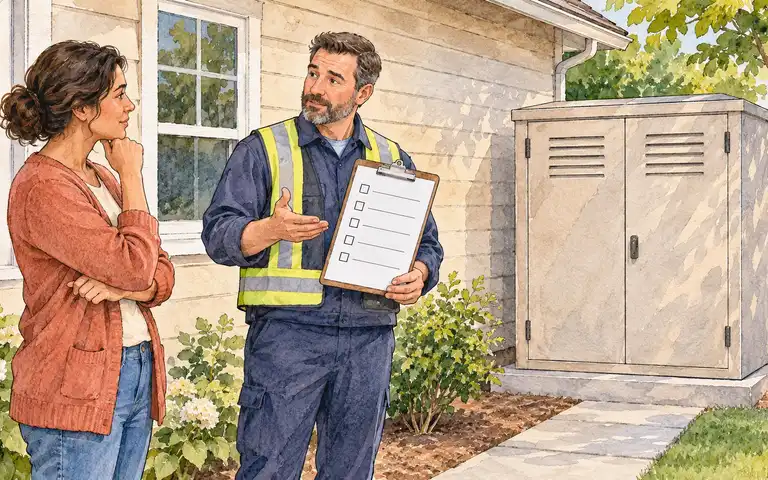
A seismic gas shutoff valve reacts to shaking, while an excess-flow device responds to abnormal flow. They solve different problems and neither detects every leak. Check the serving utility, local code, California approval and a licensed plumbing installer before selecting a device.
More guides in this topic
23 more household decisions
- Home Security Without Wi-Fi: Alarms, Cameras and Cellular Backup
Compare security systems without home Wi-Fi by independently verifying local alarm behavior, monitoring transport, recording, backup power and manual entry from exact equipment manuals
- Wired vs Wireless Home Security: Installation and Outage Tradeoffs
Compare wired, wireless and hybrid security equipment by sensors, installation, monitoring, backup power, camera recording and full ownership costs
- Interconnected Smoke Alarms: Wired vs Wireless Planning
Compare compatible hardwired and wireless interconnected smoke alarms for an existing dwelling with a qualified electrician and local fire requirements
- Fire Extinguishers at Home: Selection, Checks, and Safe-Use Limits
Decide whether extinguisher use fits the household, select by verified class and listing labels, maintain the exact unit, and practice the leave-first decision.
- Condensation on Windows: Record Moisture Before Assuming a Leak
Record when and where window moisture appears, note nearby wet surfaces and recurrence, then share the observation with the property manager or a qualified building professional.
- Dehumidifier vs. Air Purifier: Match the Device to the Problem
Match an observed household concern to moisture removal, particle filtration, both independent functions, or a different source-control or professional response.
- Grease Fire: What to Do When a Pan Catches Fire
Decide whether a small pan grease fire can be covered without exposure or the household should leave, alert others, and call the fire department.
- Check an Electric Blanket Before You Use It This Season
Before seasonal use, identify an electric blanket’s model, check official recall notices, inspect for visible damage, and decide whether it is safe to proceed under the exact manufacturer's instructions.
- Flickering Lights or Partial Power? A Safe Utility Call Checklist
Record symptoms of flickering lights or partial power and choose the appropriate utility, building-manager, or qualified-electrician contact without attempting electrical diagnosis or repair.
- Water Heater Leaking? What to Do First
Respond to water around a water heater by identifying immediate danger from a safe distance, choosing the right person to contact, and recording useful observations without operating or repairing the appliance.
- MERV vs. HEPA Home Filters: Read the Label Before You Swap
Interpret a home filter's MERV or HEPA claim and confirm which filter type and size the room cleaner, HVAC equipment, or building system can safely use.
- Smoke Alarm Chirping? Identify the Signal and Restore Coverage
Identify which alarm is chirping, use its exact model instructions to resolve the signal, and verify that working smoke-alarm coverage is restored.
- Room Humidity and Dehumidifier Size: Measure Before You Buy
Measure a room's relative humidity and dampness, estimate a portable dehumidifier capacity range, and identify when a continuing moisture source needs separate help.
- Garage Door Power Outage Plan: Manual Release, Backup, and Exit
Prepare a safe garage-access fallback by locating the exact opener instructions, identifying professional-service stop conditions, checking backup limits, and preserving an alternate exit.
- Where Is the Main Water Shutoff? Find, Label, and Plan Access
Identify the likely main water shutoff for the home, distinguish private from shared or utility-controlled access, and record who can respond if a leak occurs.
- Appliance Recall Notice? Match the Model, Then Follow the Remedy
Verify whether a household appliance matches a recall notice and follow the exact stop-use, repair, refund, replacement, or disposal instructions.
- Swollen, Hot, or Leaking Rechargeable Battery? Stop Use
Recognize signs of a failing rechargeable lithium-ion battery, avoid unsafe handling, and choose emergency or disposal help based on the current condition.
- Dryer Vent Safety: A Simple Check Before the Next Load
Check the visible parts of a household dryer vent, recognize signs of a blocked exhaust path, and decide when to stop use and arrange service.
- GFCI Outlet Keeps Tripping? Safe Checks and Stop Points
Respond safely to a GFCI outlet that trips by noting the circumstances, checking visible conditions, and deciding when to stop and call an electrician.
- How to Test for Radon at Home—and What Your Result Means
Place and complete a home radon test according to its instructions, record the result, and choose an appropriate follow-up without treating one reading as a diagnosis.
- Smell Gas at Home? Leave First, Then Call
Respond to a suspected indoor gas leak by leaving without operating electronics, calling from safety, and waiting for the local utility or emergency responders.
- Power Surges at Home: Causes, Protection, and Warning Signs
Identify the protection already present at a home’s outlets and electrical panel, then record safe follow-up steps for its exact devices and manuals.
- DIY Home Security Checklist: A Room-by-Room Weekend Review
Inspect doors, windows, lighting, garage access, cameras, alarms, accounts, and outage fallbacks with a safe room-by-room home security checklist
Equipment research
Use these guides after you know the household requirement. Specifications, prices, and availability change, so verify dated details with the manufacturer or seller before buying.
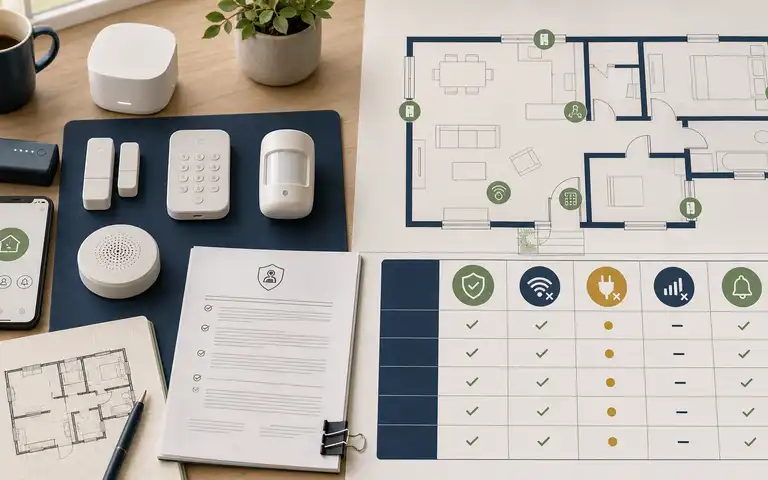
Compare DIY alarm systems by sensors, monitoring, ownership, contracts, privacy, accessibility, and power and internet outage behavior.
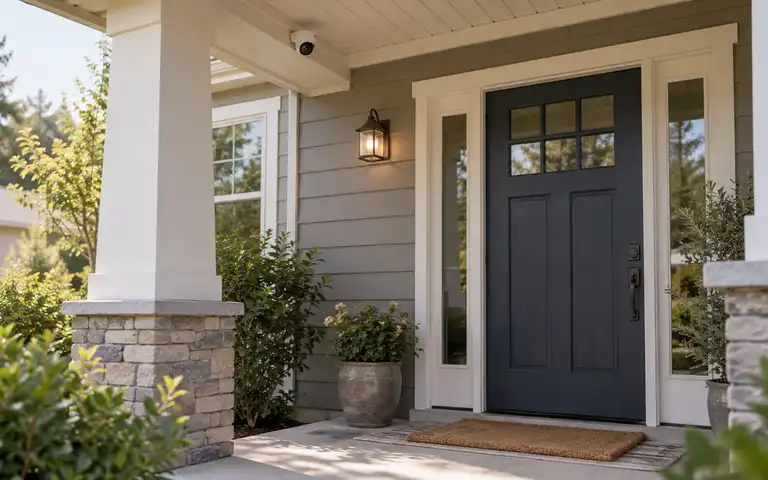
Choose a home security camera by placement, power, storage, privacy, notification, support, and offline behavior instead of temporary rankings.
Before you begin
Where should I start with home safety?
Check that everyone knows a way out in a fire and that smoke and carbon-monoxide alarms work, then review entry points, lighting, key control, and household routines. A camera can document or alert, but it does not physically reinforce an entry.
Do security cameras work when power and Wi-Fi go out?
It depends on the camera's power, local recording, network, and service. Check the exact model's manual: recording, alerts, and viewing footage can fail under different conditions. Read power outage home security plan.
Will a security system work during an outage?
It depends on battery backup, network and cellular availability, device configuration, and the monitoring service. Test each layer, record expected runtime, and keep non-connected fallbacks.
What fire extinguisher type is needed for home kitchen fires?
Extinguisher classes cover different materials, so check the exact unit's label. Alert others and call the fire department; use one only for a small, contained fire when smoke is not a threat and a clear exit remains behind you. Otherwise leave. Read home fire extinguisher selection and safe use.
How do you physically reinforce exterior doors against kick-ins?
Start by checking that each door closes, latches, and locks as intended. Hardware depends on the door and frame; avoid changes that can damage the assembly or interfere with an exit, and ask a qualified locksmith when fit is uncertain. Read home security basics.
How should I evaluate camera privacy?
Review where video is captured, who can access it, retention settings, account security, local recording options, vendor updates, and applicable laws before installation.
Keep your plan current
Small updates. A more prepared home.
Get occasional guide updates, practical worksheets, and seasonal household checks.