Power Surges at Home: Causes, Protection, and Warning Signs
Tell surge protection apart from backup power, compare plug-in and panel-level protection, and know what to check after a warning light or electrical event.
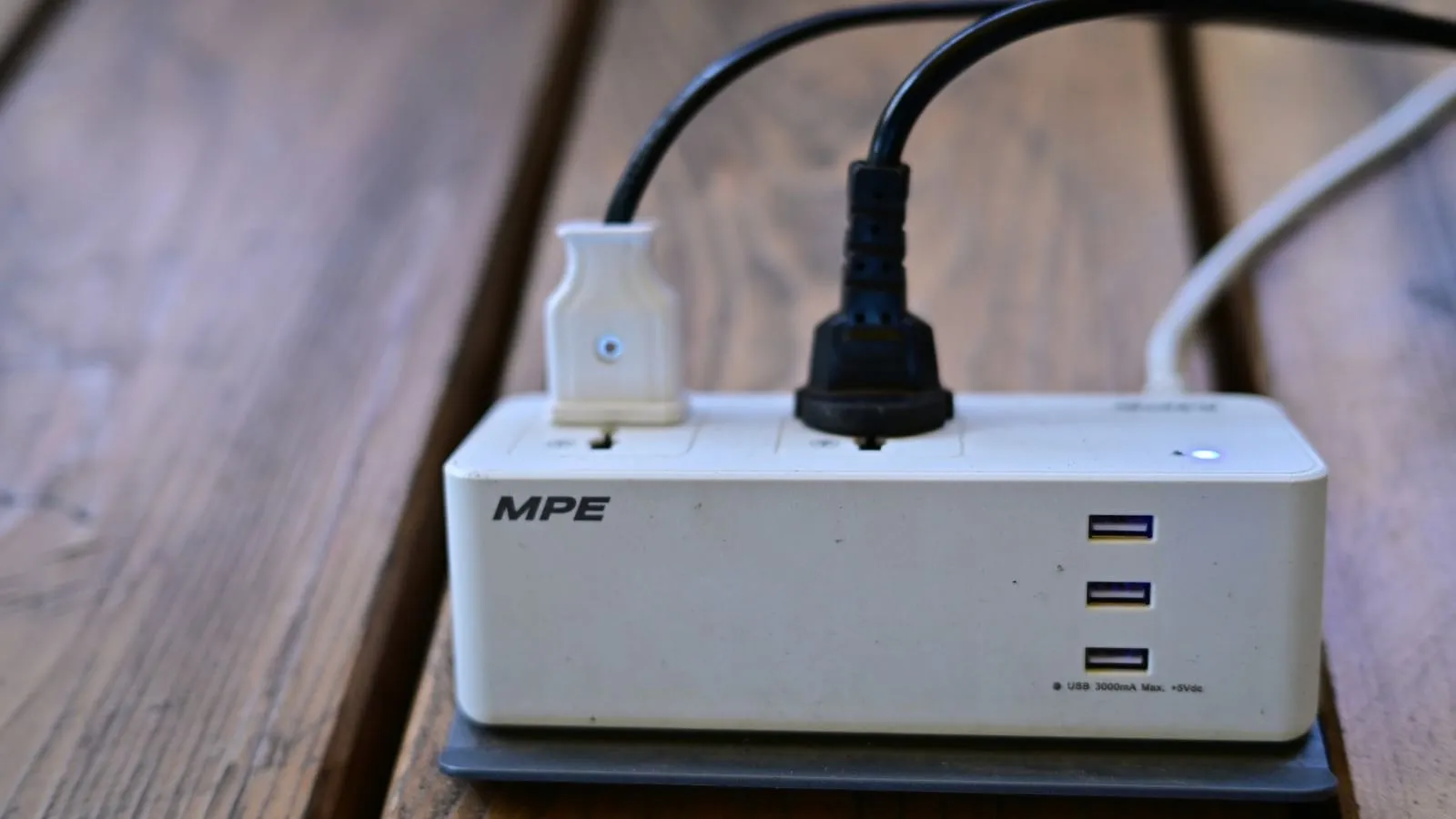
The lights flicker when a large appliance starts, or a utility interruption ends with a router that no longer powers on. Either event leaves a question about the electrical supply; neither proves a surge occurred. Review which protection devices are actually present and what their exact indicators mean. A plain outlet strip is not necessarily a surge protector, and neither device keeps electronics running when utility power is gone.
What counts as a surge
A surge is a brief rise in voltage that can reach connected equipment. UL and ESFI describe sources inside a building, such as larger equipment switching on and off, as well as utility events and lightning. The size, path, and effect vary; a flicker or failed device does not identify the cause by itself.
An outage is a loss of supply; a brownout is a period of reduced supply voltage. A transient surge protector does not correct every sustained voltage problem.
The brownout and protection-function comparison explains sustained low voltage, brief dips and outages, and separates voltage regulation from transient protection and battery runtime. The starting demand of a motor, sometimes called a starting surge and measured in watts or amps, is also a different question from a brief rise in supply voltage.
Surge protection is for a transient electrical event. Backup power keeps selected loads supplied when utility power stops. A UPS may provide both a limited surge-protection function and temporary battery runtime, but the exact model’s manual defines what it covers and how long it runs. A surge protector without a battery does not provide runtime.
For example, Schneider Electric’s BE550G description identifies battery-backed and surge-only outlets. That is evidence for the stated model, not a function to assume for every UPS. Check the exact product’s documented protection and which outlets provide it.
Compare protection locations and backup functions
| Choice | What it can do | What to verify |
|---|---|---|
| Point-of-use device | Protects equipment connected through that device, within its listed ratings and design. | Confirm the exact product is a surge protective device, check its safety certification and electrical rating, and read its protection-status and replacement instructions. |
| Panel-level SPD | Adds protection at the service or distribution panel for some incoming or building-level events. | Record the exact make and model, indicator/alarm state, manual, and service contact. Installation and diagnosis belong to a qualified electrician. |
| UPS with surge protection | May bridge a brief interruption while also providing the functions stated in its manual. | Check battery condition, load limits, runtime assumptions, outlet arrangement, and its exact surge-protection status. A UPS does not guarantee the utility, internet, or equipment remains available. |
These choices address different locations and functions. They do not combine into a guarantee against every surge or lightning event. ESFI specifically says surge protection cannot handle a direct lightning strike. During a storm, follow local lightning safety guidance; disconnect sensitive equipment only when it is safe to do so, before the storm reaches the home.
Read the actual device, not the color alone
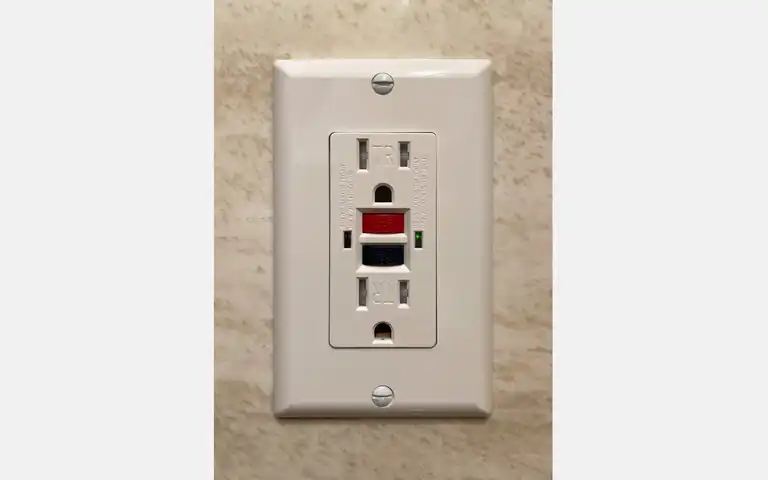
Check the label and manual for the exact point-of-use protector, UPS, or panel SPD. A light can mean “power present,” “protection available,” a wiring condition, or an alarm, depending on the model. Intermatic’s AG3000 and PS3000 support instructions, reviewed October 14, 2026, say a red or unlit status LED on its listed AG3000 or PS3000 indicates diminished protection and calls for replacement. That meaning does not transfer to another brand or model.
UL distinguishes a basic power strip from a surge protector and advises checking the electrical rating for the connected load. Do not daisy-chain strips or exceed the device rating. Do not cover cords with rugs or use a device with a frayed cord, cracked case, heat damage, or loose plug. For recurring breaker trips, warm or discolored receptacles, buzzing, a burning smell, or visible arcing, stop using the affected equipment if safe and contact an electrician; if there is smoke or fire, leave and call emergency services.
Protection checklist
Write down the items you can inspect without removing covers or touching wiring:
- Device type and location: outlet protector, UPS, or panel SPD
- Brand, exact model, date found or installed if known, and manual location
- Certification mark and the device’s printed electrical rating
- What each light, display, audible signal, or remote notification means in the manual
- Any present warning, damage, odd sound, heat, or equipment failure
- The manufacturer’s service, replacement, warranty, or recall instructions
- Questions to take to a qualified electrician about the panel, grounding, or repeated events
Check the indicator on the schedule the manufacturer specifies. Some devices show reduced protection or end of life; others have no user-visible status indicator. Do not set a universal replacement interval from age alone, and do not reset, open, remove, or replace a panel device yourself.
If a storm or utility event has just happened, first look for immediate hazards from a safe distance. Do not touch wet electrical equipment, exposed wires, a damaged panel, or a fallen service line. Report a utility-side fault to the utility; use an electrician to diagnose repeated voltage changes or unexplained equipment failures. A protector indicator that remains “OK” does not prove that every connected appliance is undamaged.
Decide what to do next
For a visible outlet protector, compare the model and indicator with its current manual, then replace or service it only as directed. For panel equipment, ask a qualified electrician to identify and inspect the SPD, panel compatibility, grounding, and local requirements. If the house has repeated electrical symptoms, several failed devices, or a persistent burning smell, treat that as an electrical-service question rather than adding another outlet strip.
For the next ordinary-day task, use the home protection checklist to keep model numbers, manuals, and service questions together. If the concern is instead keeping devices powered during an outage, see the separate guide to backup power for phones, internet, and work electronics.
For recurring flickering or only some rooms losing power, use the partial-power observation and contact checklist. Symptoms require the utility or qualified help; a surge protector does not diagnose them.
Sources and limits
This guide describes common household protection layers. It does not specify a device, size protection for a circuit, interpret local electrical code, or provide installation steps. The exact SPD manual, electrical system, local requirements, and qualified electrician govern panel-level choices and service.