Power Outage Home Security Plan: Offline Fallbacks That Work
Seasonal Content: This guide is most relevant during summer months.
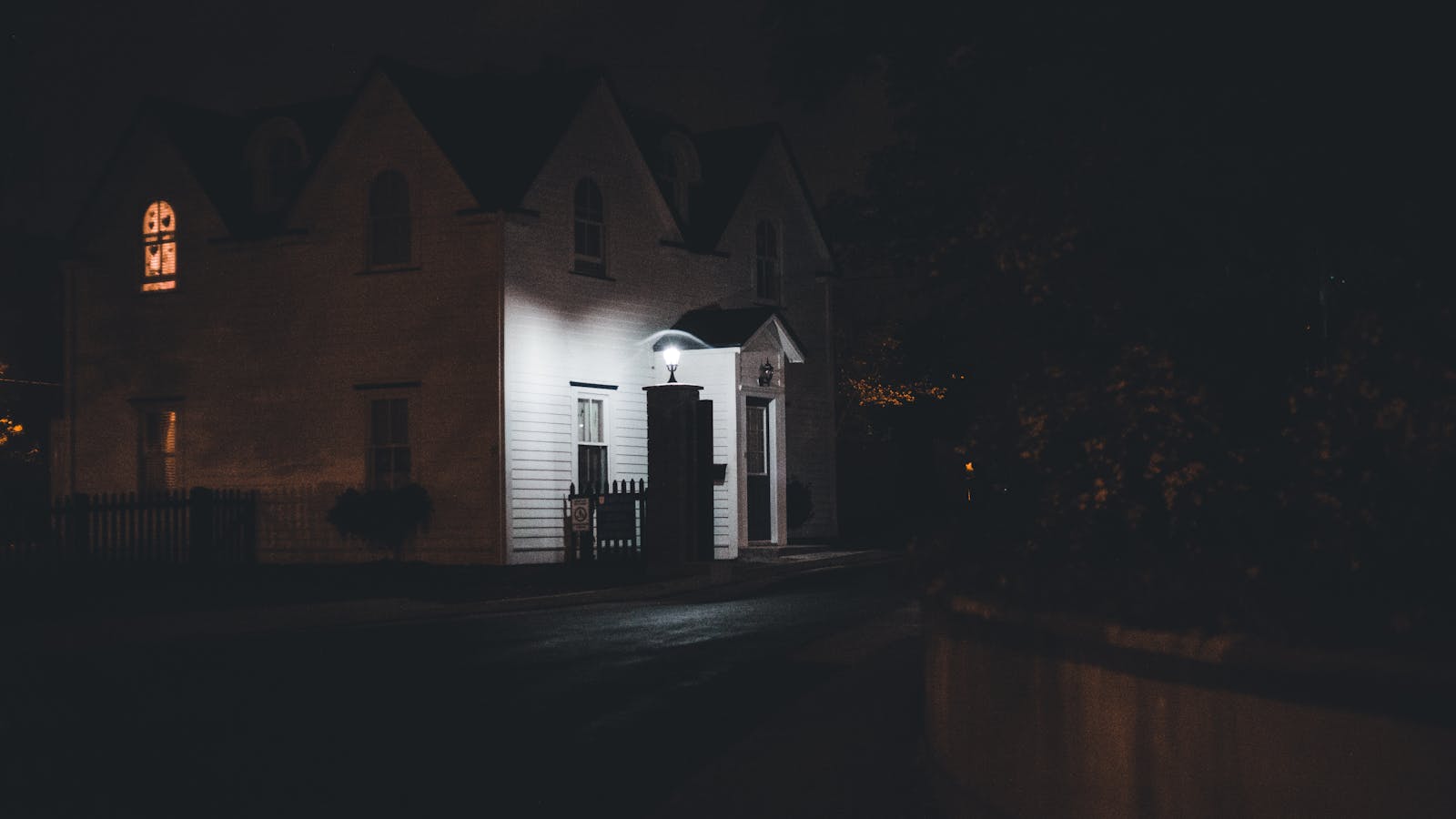
A power outage does not automatically mean a security emergency, but it can remove familiar lighting, communications, garage controls, camera alerts, and alarm connections at the same time. The safest response is a calm plan built before the lights go out.
This guide focuses on continuity, not confrontation. If you see signs of a break-in, hear someone inside, or believe an intruder may be present, move to a safe place and contact emergency services. Do not search the property or use a camera alert as a reason to confront someone.
Power-outage safety comes first
Never run a generator, charcoal grill, camp stove, or other fuel-burning device inside a home, garage, basement, shed, or near an opening. Ready.gov warns that carbon monoxide can build up without warning. Use battery-powered lighting instead of candles when possible, and follow official generator and fire-safety guidance.
First, map what actually depends on power
Write down each security-related device and follow the dependency chain. A camera may have a charged battery but still depend on a powered Wi-Fi router, working internet service, the vendor’s cloud, and a charged phone before it can send an alert. A panel may have a backup battery but use a communication path that is unavailable at your address.
Use this failure map:
| Function | Utility power off | Internet off | Cellular unavailable | Manual fallback |
|---|---|---|---|---|
| Exterior door | Smart features may stop | Remote app may stop | Remote app may stop | Physical lock and authorized key |
| Garage opener | Motor and keypad may stop | App may stop | App may stop | Manufacturer’s manual procedure |
| Camera | Depends on its power source | Remote view or cloud upload may stop | Phone alerts may stop | Local observation and household check-in |
| Alarm panel | Backup runtime varies | IP reporting may stop | Cellular reporting may stop | Local siren and written contact plan |
| Exterior light | Normal fixture may stop | Smart control may stop | Usually not relevant | Charged flashlight or approved battery light |
| Phone or voice service | Charging and home equipment may stop | Internet calling may stop | Mobile call may stop | Charged power bank, radio, and agreed check-in route |
Fill this table with verified behavior, not marketing language. Check product manuals, support pages, service terms, and your monitoring provider. Record the date because batteries age and service configurations change.
Use the outage-readiness calculator to choose the wider planning window for your household. Then compare that window with the tested runtime of every critical security and communication device.
Manual entry without creating a new risk
Every responsible household member should know a safe way to enter and exit without a cloud service or working phone. That may be a physical key, an approved building procedure, or another method designed for the exact lock.
- Test the manual method before storm season or a planned utility shutoff
- Keep keys controlled and do not publish or casually share their location
- Replace or revoke access when household and service relationships change
- Check the smart lock’s low-battery warning and physical-key procedure
- Do not add a secondary lock that blocks emergency egress
In an apartment or shared building, ask management how exterior entries, elevators, intercoms, and parking gates behave during an outage. Never force a common-area door or prop open a fire-rated or controlled entrance.
Garage doors and powered gates
Learn the manual-release and re-engagement steps from the manufacturer of your exact opener before an outage. A garage door is heavy and can cause serious injury. Do not pull a release or attempt a repair while the door is moving, and do not work on springs, cables, or damaged tracks. Use a qualified technician for a door that is unbalanced, jammed, or unsafe.
After manual operation, verify whether the door is secured and how it should be reconnected. Do not assume it has returned to its normal locked state. Keep the door between an attached garage and the home closed and locked as you would any other exterior entry.
For a powered vehicle gate, confirm the emergency procedure with the installer, property manager, or manufacturer. Preserve access for responders and required evacuation routes.
Lighting for safe movement and visibility
Place charged flashlights or battery lanterns where household members can reach them without crossing a dark stairway. Choose equipment listed for its intended use and follow charging and battery instructions.
Prioritize:
- Stairs, hallways, and exits
- The main entry and the path to it
- The electrical panel or other area an authorized adult may need to reach
- The household meeting and communication area
Outdoor solar or battery lights may help, but their runtime and output vary with weather, settings, age, and placement. Test them after a normal day and after several cloudy days rather than assuming a package claim matches your site.
Cameras: separate recording from notification
For each camera, verify four different functions:
- Power: Does it have a battery, and what settings reduce runtime?
- Recording: Can it record locally without Wi-Fi or a cloud connection?
- Notification: Can an alert leave the property if the internet is down?
- Retrieval: Can an authorized user access footage during the outage, or only after service returns?
These are not interchangeable. A camera that continues recording might not notify anyone. A battery-backed router may help only while its battery lasts and only if the upstream internet connection still works. A phone may receive a cellular alert only where cellular service remains available.
Position cameras with privacy in mind and keep accounts protected with unique passwords, updates, and multi-factor authentication when available. The camera selection guide provides a worksheet for storage, support, power, and privacy decisions.
Alarm and monitoring continuity
Ask the alarm provider for written answers about outage behavior:
- The panel’s expected backup runtime under your configuration
- Which sensors keep working when utility power is off
- Whether reporting uses internet, cellular, a landline, or more than one path
- What local sound occurs if the monitoring path is unavailable
- How a low battery, communication failure, or restoration is indicated
- What the household should do before testing or replacing a battery
Never create an alarm event merely to see what responders do. Use the provider’s approved test mode and instructions, notify the monitoring center when required, and follow local alarm rules.
Smoke and carbon monoxide protection remains essential. Ready.gov recommends smoke and carbon monoxide alarms with battery backup when alarms are hardwired. The U.S. Fire Administration advises testing smoke alarms regularly and maintaining backup batteries according to the alarm type and instructions.
Communications and the printed plan
An app-only plan is fragile during an outage. Keep a paper copy of the household communication plan in an authorized, known location. Ready.gov recommends a family communication plan and a paper copy.
Include:
- Emergency numbers and the utility’s outage-reporting method
- Monitoring provider and property-management contacts
- Two household meeting places, one nearby and one outside the neighborhood
- An out-of-area contact who can help relay status
- Medical, accessibility, language, pet, and transportation needs
- The agreed check-in schedule if mobile calls or messages are delayed
Do not put alarm codes, hidden-key locations, or full account passwords on an unprotected sheet. Keep sensitive recovery information separately secured.
Before, during, and after the outage
Before
- Charge phones, approved power banks, lights, and device batteries
- Test alarms and backup equipment according to manufacturer instructions
- Close and lock entries; secure loose outdoor items without blocking exits
- Bring the paper plan and manual keys into their assigned places
- Tell a trusted contact the check-in plan, not the sensitive security details
During
- Use battery lighting and keep exit routes clear
- Keep doors and accessible windows in their normal secured state
- Check garage and gate status after any manual operation
- Treat missing app alerts as unknown status, not proof that nothing happened
- Preserve phone power and follow official local information
- Move to safety and contact emergency services for a suspected break-in
After
- Confirm garage openers, gates, locks, cameras, routers, and the alarm panel returned to their intended state
- Check device clocks, queued alerts, recordings, batteries, and error messages
- Re-enable only the automations you understand
- Document what failed and update the paper plan while it is fresh
A 30-minute outage security drill
Do not disconnect life-safety equipment or create a real alarm. Instead, walk through a tabletop drill:
- Name everything that would go offline with the breaker and internet service.
- Have each responsible person describe manual entry and the meeting point.
- Find the flashlights, contact sheet, and approved charging equipment.
- Read the garage and alarm instructions without operating unsafe hardware.
- Confirm who checks on a child, older adult, disabled household member, or pet.
- Note unanswered questions and obtain written guidance from the provider.
The goal is not to prove the system cannot fail. It is to make each failure understandable and give the household a safe next action.
Continue the plan
- Build the full layered plan with Home Security Basics
- Use the DIY home security checklist to inspect entries and rooms
- Compare alarm communication and ownership terms in the DIY security system selection guide
- Visit the Home Security Hub for all related guides
Primary sources
- Ready.gov: Power Outages
- Ready.gov: Make a Plan
- U.S. Fire Administration: Smoke Alarms
- FTC: How To Secure Your Home Security Cameras
Editorial review: July 14, 2026. Backup runtime, service behavior, local requirements, and emergency conditions vary. Verify the plan with current manufacturer instructions, service providers, property management, and local authorities.
Explore Related Guides
Build a practical home security plan with sound entry hardware, daily habits, lighting, cameras, alarms, account security, and outage fallbacks.
Plan safe manual fallbacks for locks, garage access, cameras, alarms, lighting, communications, and household check-ins during a power outage.
Compare DIY alarm systems by sensors, monitoring, ownership, contracts, privacy, accessibility, and power and internet outage behavior.
Choose a home security camera by placement, power, storage, privacy, notification, support, and offline behavior instead of temporary rankings.