In this guideJump to a section
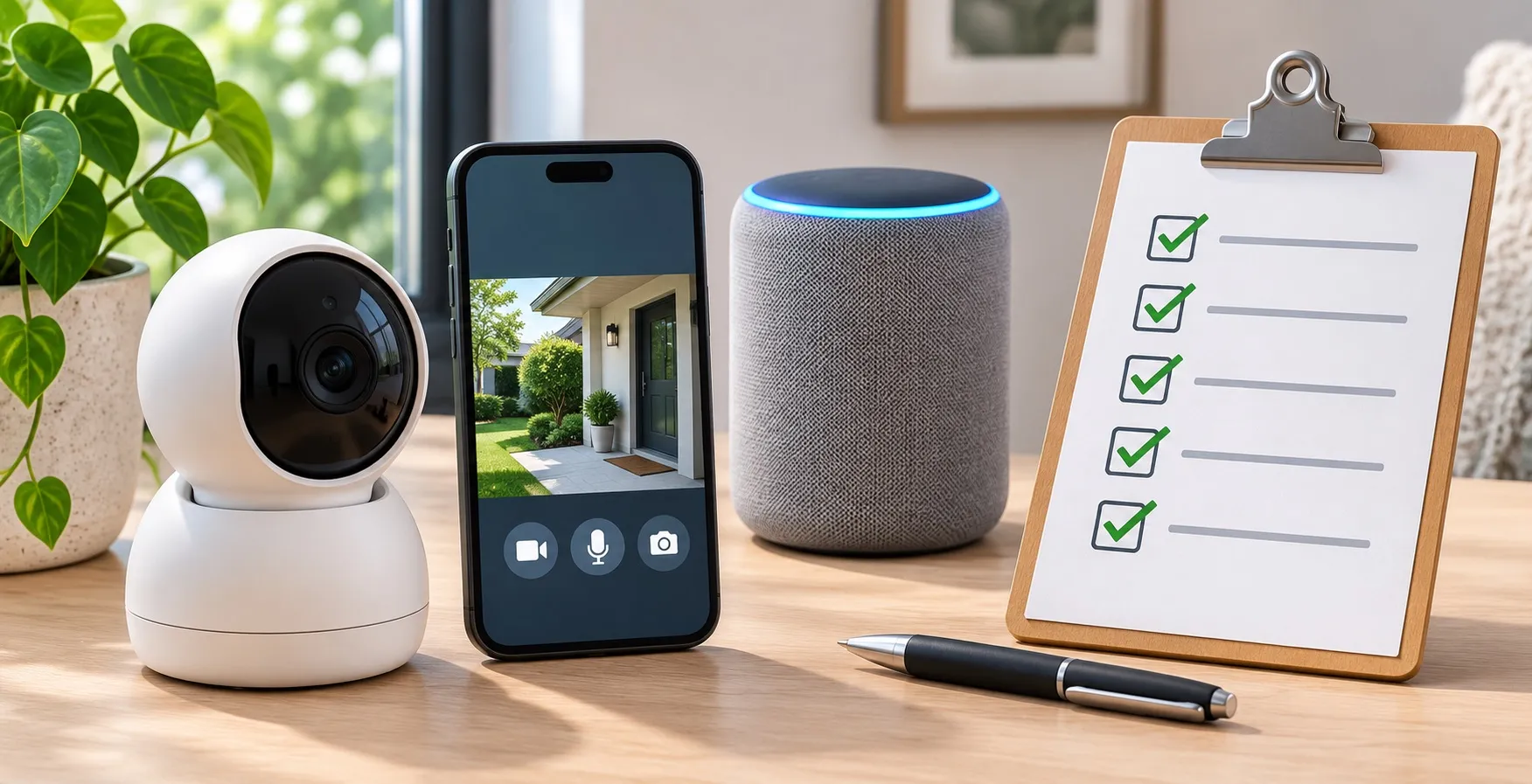
A camera in the entryway, a voice assistant and a smart TV all generate different types of household data. Treating them as a single “secure Wi-Fi” question hides the real issue: who can see or retain information, and what happens when a provider stops supporting the device?
Use this checklist for sensing, account access, sharing and data-retention decisions. To inspect local-versus-cloud automation during outages, see the offline smart-home control audit. For footage storage choices, use the NVR versus DVR recorder guide.
Inventory the actual information flow
| Device type | Data worth identifying | Who can access it? | What to ask before accepting settings |
|---|---|---|---|
| Security or baby camera | Live view, recorded video, audio | Account holders, invited users, vendor staff where permitted | Is recording encrypted, retained or shared? |
| Voice assistant | Commands, recordings, household routines | Accounts, integrations and cloud services | What is stored, for how long, and how can it be deleted? |
| Smart lock or doorbell | Entry events, visitor images, device location | Shared household users and vendor accounts | Can an old guest still view events or unlock remotely? |
| Thermostat or energy monitor | Occupancy patterns and consumption | App, manufacturer and integrated services | Are analytics required for core operation? |
| Router and connected devices | Device names, remote admin access, access logs | Router admin and external service where configured | Are old users, exposed ports or remote access still enabled? |
The FTC’s connected-device guidance recommends reviewing default privacy and security settings, limiting unused features and updating firmware. It does not prove any brand has a particular privacy policy.
Separate two access problems
A vendor may collect data under its service agreement, while a shared household account exposes data to family members and guests. Reducing one risk does not automatically solve the other. Check the exact app’s invited users, authorized devices, two-factor authentication and activity history.
For cameras, the FTC guidance recommends encryption, unique credentials, software updates and optional network separation. Avoid exposing an NVR to the public internet to bypass a broken phone app.
Make a safe change sequence
First, capture the model and owner. Next, inspect current settings and permission roles from the manufacturer’s instructions. Revoke unneeded sharing or remote features only after confirming that essential door access and care functions have a reliable manual fallback. Keep required fire and carbon-monoxide alerts operational; a camera is not their replacement.
If the device no longer receives security updates, document whether its maker offers migration or recycling guidance. The FTC support-life discussion warns that support terms may be hard to find, so do not promise a particular lifetime without exact written evidence.
Smart-home privacy audit record
| Device/model | What it captures | Cloud/local storage | Authorized users | Last update / retention | Decision |
|---|---|---|---|---|---|
Store this record privately, since it itself reveals household equipment and accounts. Review sharing after a move, device sale, guest departure or account change.
Next action: pick one camera or microphone-capable device, confirm every authorized viewer and the real retention setting, then document the change.