How to Read an Electric Meter: Find the Right kWh Display
Identify the meter reading your utility uses, record its label and units, and compare like-for-like readings without opening or testing the meter.
In this guideJump to a section
An electric meter may cycle through several values. The number that looks like a usage total can be a different register, an instantaneous rate, a test screen, or a solar export value. Identify the display before you write anything down.
First identify the register and record its units; interpreting a higher bill is a separate step. Once you have the utility’s billing-period kWh, use the high electric bill comparison to separate billing days, daily use, and charges.
Find the right display in your utility’s instructions
First identify your electric utility and, if visible without opening or handling the meter, its make or model. Search the utility’s own help page or account materials for that meter type. If the meter is not safely accessible, or you cannot match its label or display to the instructions, use the utility’s online usage history or ask the utility to identify the correct register.
The display number is not universal. For example, Southern California Edison tells its customers to use the screen marked 001 on the described smart meter for its cumulative total kWh. PG&E describes different screens for different SmartMeter models, including model-specific displays for total kWh and current usage. Those directions illustrate why a code from one utility should not be copied to another meter.
| Label or value in the instructions | What it may describe | What to do |
|---|---|---|
| Cumulative kWh or energy register | Energy recorded over time | Record the exact register, unit, value, and date; compare with an earlier reading only if it is the same register. |
| kW or current usage | Rate of power use at a moment or interval | Do not treat this as the cumulative kWh on a bill. Ask the utility if the screen’s interval or meaning is unclear. |
| Peak, off-peak, delivered, received, or export | A rate-period or direction-specific register | Follow the utility’s instructions for your rate and meter; do not add, subtract, or convert registers by guesswork. |
| Test pattern or unfamiliar code | A display check or model-specific field | Wait for the meter’s utility instructions or contact the utility rather than assuming it is usage. |
If your meter uses dials, look for the serving utility’s own diagram showing how to read a hand between numbers. PG&E publishes analog-dial instructions on its meter guidance page, but its examples do not replace the instructions for another utility’s meter.
Keep kWh separate from kW
A kilowatt-hour (kWh) is a unit of energy over time; a kilowatt (kW) is a rate of power use. PG&E uses this distinction in its meter guidance. A current kW figure can change as equipment switches on and off, while a cumulative kWh register records energy over an interval.
If the utility’s instructions confirm that a display is a cumulative kWh register, subtract the earlier value from the later value to calculate the change between those readings. For example, a hypothetical register reading of 12,480 kWh followed by 12,615 kWh has a difference of 135 kWh. The arithmetic does not establish the meter’s accuracy or the cause of that use. Check whether the utility specifies a multiplier or separate registers before comparing values.
Solar and time-of-use service can change what the display means. PG&E explains that its net-energy-metering displays can show whether energy is being used from or exported to the grid, while its time-of-use meters can report distinct periods. A single number may therefore not match a bill’s total by itself. Use the utility’s explanation for your exact service and billing period.
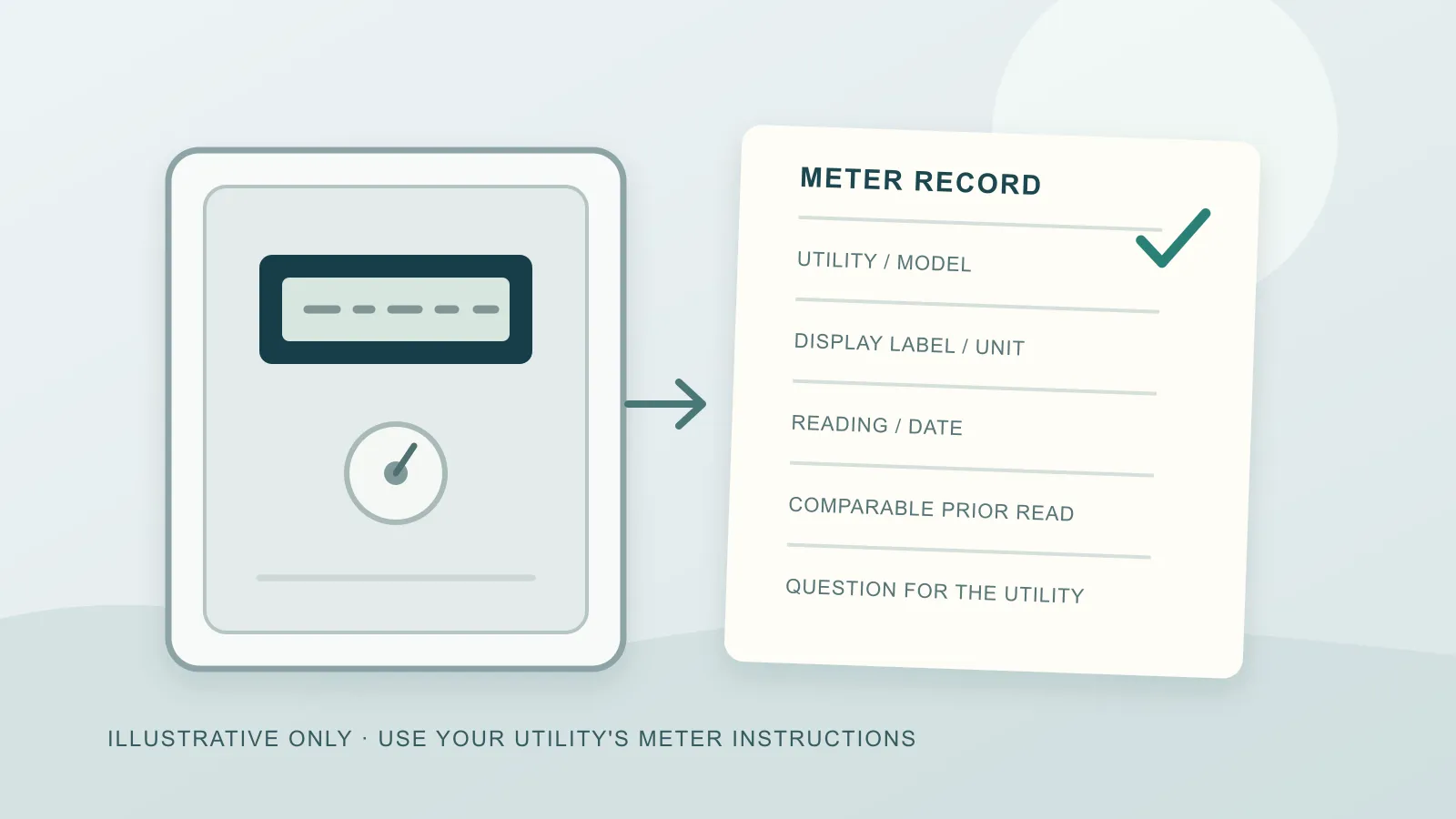
Meter-reading record
Use this record for your own notes. Do not include account numbers or meter identifiers in a public post or shared document.
| Field | Your record |
|---|---|
| Serving utility and meter make/model, if known | |
| Utility instruction page or model guide | |
| Display label or register code, copied exactly | |
| Unit shown (for example, kWh or kW) | |
| Value and date/time | |
| Prior value from the same register and date/time | |
| Utility-stated multiplier, rate period, or export rule | |
| Question to ask the utility if anything remains unclear |
If the two readings use the same cumulative register and unit, record the difference and the dates covered. If the screens, units, or service settings do not match, stop the comparison and ask the utility which value belongs to the billing period. Do not open the meter, remove a cover, touch wires, or perform a test to explain a surprising reading.
The meter reading alone cannot say whether a bill is wrong or identify which appliance used the energy.