Smart Plug Power Ratings: Check Watts, Amps, and the Appliance
Read a smart plug's load-specific limits, compare them with the appliance manual, and check restart behavior before adding remote control or energy monitoring.
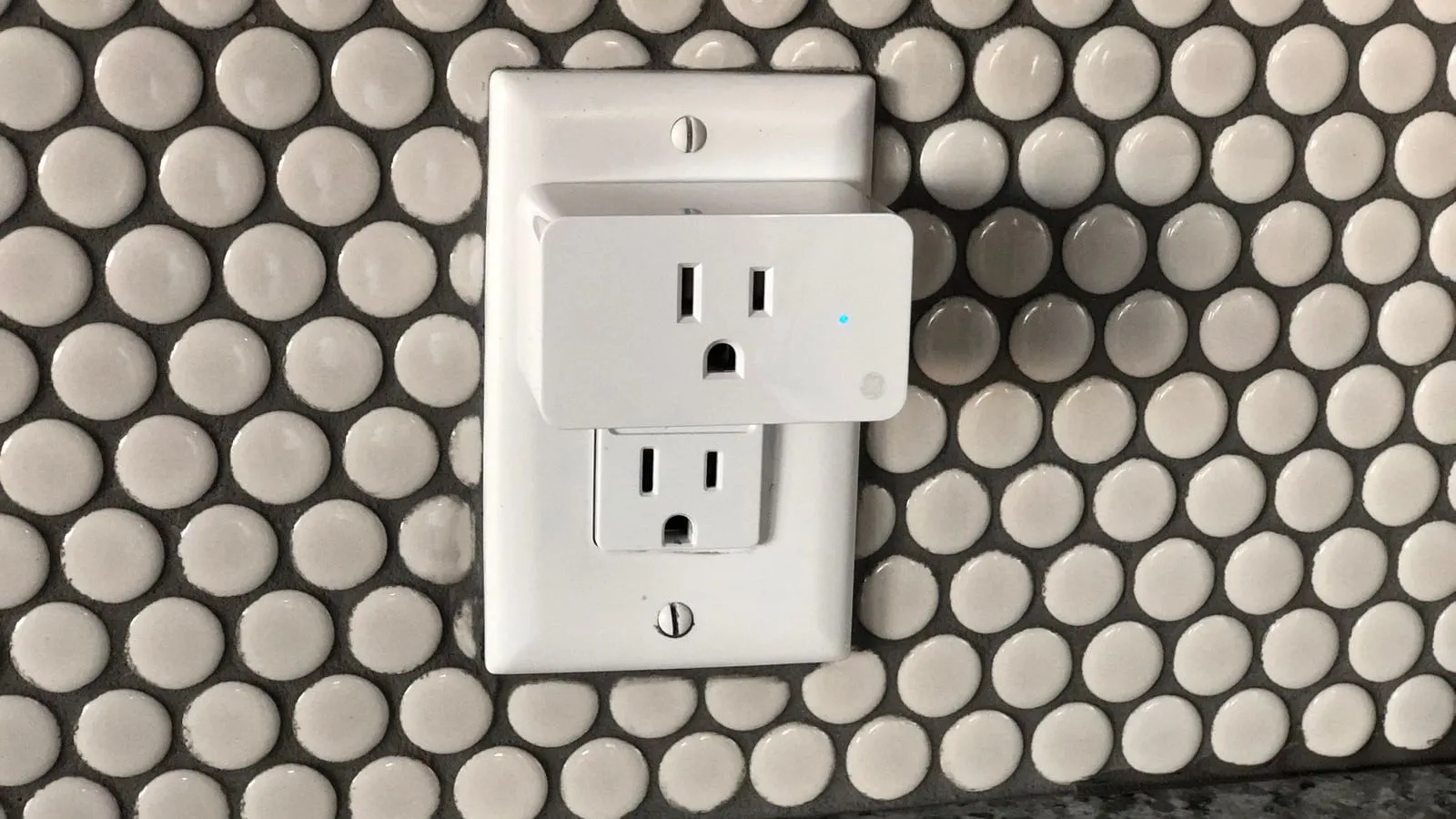
Before using a smart plug with an appliance, read both sets of instructions. A device advertised as “15 amps” may have different limits for lamps, motors, chargers, or other loads. The appliance may also prohibit an external switching device, even when its running watts look modest.
The first question is therefore whether this exact pairing is permitted. Wi-Fi features, an energy graph, and a button that works in the app do not answer that question. This guide helps with the pairing check; the offline-control audit covers the wider household network and automation dependencies.
Read beyond the headline rating
Look for a load table and warnings in the manual for the exact country and hardware revision. Do not substitute the instructions for a nearly identical-looking plug.
For example, TP-Link’s U.S. P110M version 1.6 guide has a 15-amp general/resistive rating, but its supported-load table lists 80 W for a desk lamp and 120 W for a fan. Those are examples from that exact guide, not limits for the whole product category. They show why multiplying a headline current rating by household voltage cannot replace the manufacturer’s load-specific instructions.
| Check | Find it in | If it is missing or unclear |
|---|---|---|
| Supply voltage and regional version | Plug and appliance labels | Do not use an adapter to assume compatibility |
| Supported load type | Smart-plug load table and notes | Ask the plug manufacturer about the exact appliance |
| Current, power, and any motor limits | Both manuals | Keep the combination out of service until clarified |
| External-control restrictions | Appliance safety instructions | Preserve the appliance’s required connection and controls |
| Location, temperature, and moisture limits | Both manuals | Choose a different, permitted arrangement |
| State after power returns | Plug and appliance operating instructions | Do not rely on an undocumented restart behavior |
Where a table, label, or footnote appears inconsistent, ask the manufacturer for a written answer tied to the exact model. Choosing whichever line permits the larger load is not a reliable way to resolve an ambiguity.
Keep motor and heating appliances out of a simple wattage comparison
A motor or compressor can behave differently at startup from its steady operation. An app’s ordinary energy display is not evidence that it measured a brief starting event, nor that its relay is approved to switch that load. Use the appliance’s documented requirements and the smart plug’s specified load category.
Heating equipment needs particular care. CPSC directs users to connect portable electric space heaters directly to a wall outlet and turn them off when sleeping. Do not insert remote-control accessories to get around a heater’s direct-connection or supervision instructions. A timer is not supervision, and a product’s broad rating does not override the appliance manual.
The cited P110M guide also explicitly excludes EV charging. Treat such exclusions as exclusions; do not convert the charger’s normal draw into an informal exception. The same principle applies to any use prohibited by either manufacturer.
Medical equipment, alarms, access control, and equipment protecting a home from flooding should not become an experiment in remote switching. Use their provider-approved arrangements. Turning power off to test an app can interrupt a function the household is relying on.
Understand what energy monitoring can tell you
Virginia Tech explains that watts describe power, while energy use depends on power over time. A smart plug may show both, but check the model’s units, accuracy, sampling, and data-retention instructions before using the results.
As an arithmetic example, a permitted load using a steady 10 W for 6 hours consumes 60 Wh, or 0.06 kWh. That calculation describes energy. It neither approves a connection nor predicts the load’s brief starting demand. A cycling appliance also cannot be represented accurately by its highest observed watts multiplied by the whole day.
If the goal is refrigerator backup planning, use the refrigerator wattage guide to separate running power, verified startup demand, and representative daily energy. Measure only through equipment and connections that both manufacturers permit; do not add a smart plug simply because a measurement would be useful.
Check the consequence of a restart
For a permitted, nonessential appliance, determine what happens after the smart plug loses and regains power. Then consider the appliance’s own behavior. The plug may restore its previous state while the appliance still requires a physical button—or the appliance may resume running when nobody expects it.
Review schedules and automations as well as the manual on/off control. Record any setting changed during setup so another household member knows what to expect. If a safe, manufacturer-supported test is appropriate, keep it isolated from essential equipment and other people’s work. Otherwise obtain the answer through documentation or support.
Do not troubleshoot damage by repeatedly cycling the relay. Stop using a pairing that becomes unusually hot, smells burned, sparks, has a damaged connection, or behaves abnormally, and seek appropriate manufacturer or electrical help. There is no app setting that repairs an unsafe connection.
Smart-plug record
Complete one record for one proposed pairing:
- Smart-plug model, regional version, and hardware revision
- Appliance model and the purpose of adding control or monitoring
- Both manual links and their relevant connection restrictions
- Supported load category and every applicable rating
- Intended location and environmental limits
- Documented behavior after power loss, network loss, and an automation failure
- Unresolved questions and the manufacturer’s written response
- A permitted non-smart fallback and the person who knows how to use it
If a required field remains unknown, leave the appliance in its original approved arrangement. A smaller list of understood smart-plug uses is more useful than a large app dashboard built on uncertain connections.