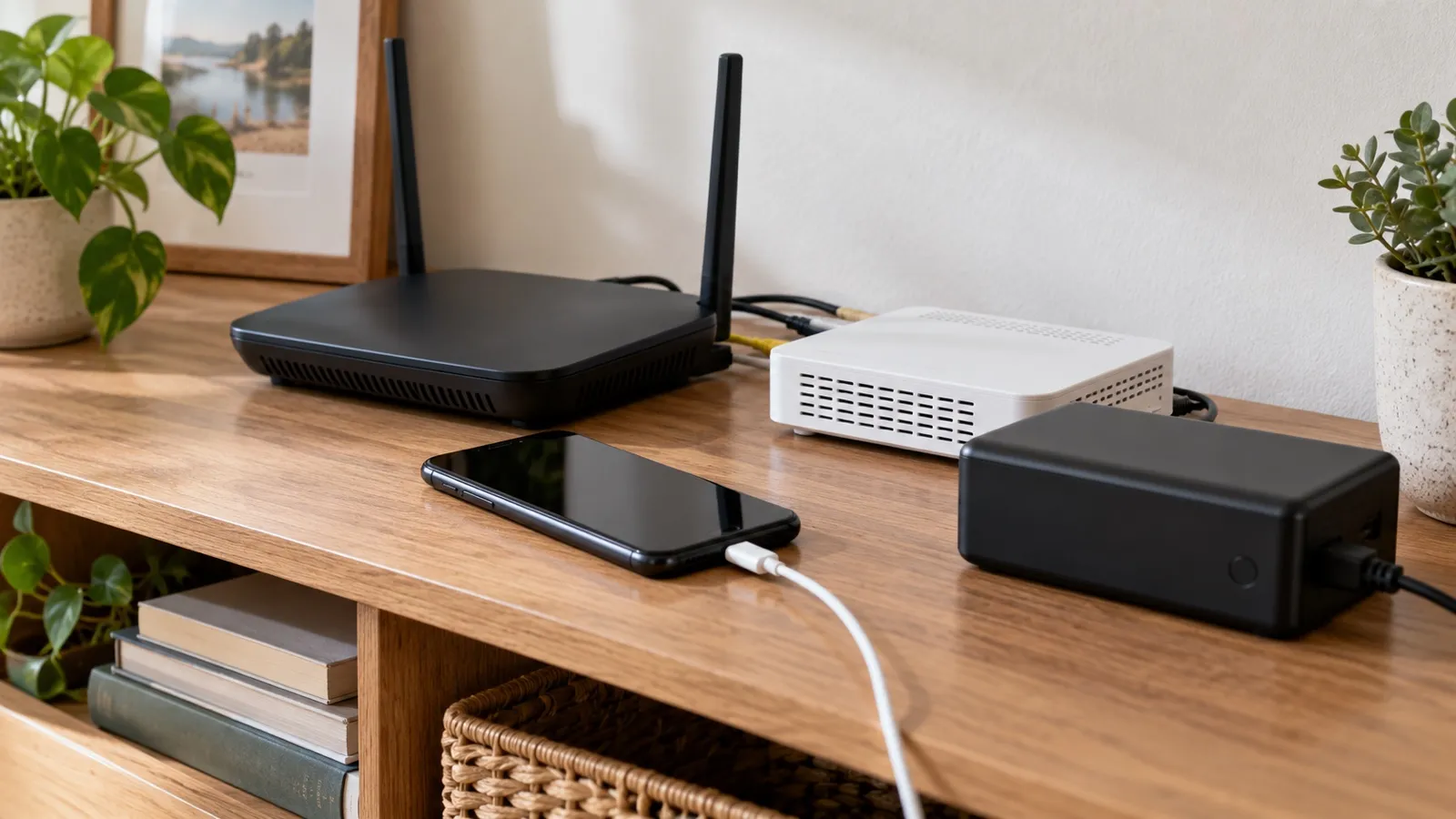
Wi-Fi calling may help when cellular reception is weak, but it is not a separate network that keeps working after every outage. The phone needs carrier support and an enabled feature, Wi-Fi access, powered home networking equipment and an internet path to the carrier. If the provider network or any powered link fails, the call may not connect. Map the whole path and ask your carrier what applies to your exact line and phone.
Follow the call path from phone to carrier
| Link | What must be available | What to check before an outage | Who Should Skip It / Fails When |
|---|---|---|---|
| Phone and account | Supported device, active eligible line, feature enabled and any carrier setup complete | Check the phone maker’s and carrier’s current instructions for the exact model and plan. | Fails When: Prepaid/MVNO accounts without provisioned IMS profiles or disabled carrier settings. |
| Wi-Fi connection | The phone can join the intended wireless network | Confirm the password and coverage in the rooms where a call may be needed. | Fails When: Dead AP batteries, heavy 2.4GHz interference, or out-of-range signal. |
| Router or gateway | Wi-Fi equipment has power and is operating | Record which box provides Wi-Fi and whether it is included with the modem. | Fails When: Unpowered router during grid failure without uninterruptible power supply (UPS). |
| Modem or fiber ONT | Provider handoff is powered and connected | Identify each box and its normal indicator pattern from the provider or maker’s manual. | Fails When: Fiber terminal loses local power and lacks backup battery unit (BBU). |
| Internet provider path | Local and upstream provider service is available | A working home Wi-Fi name does not prove the internet connection is up. Check outage status from another connection when possible. | Fails When: Neighborhood fiber/coax trunk lines are severed or upstream regional hub loses power. |
| Power | Every required box stays powered long enough | Include the phone, modem or ONT and router in a measured backup plan; keeping only the router on does not preserve a powered-off provider handoff. | Fails When: Power consumption exceeds battery capacity before restoration. |
Worked Sizing / Physics Calculation for Backup Runtime
To keep a home networking stack alive during a 4-hour power outage, calculate the total power demand (P(total)) and required battery capacity in Watt-hours (Wh).
Load: P(router) = 12W, , P(ONT) = 9W, , P(switch) = 5W → P(total) = 26W
Battery Requirement (with 85% inverter/conversion efficiency):
Capacity (Wh) = (P_total) × Hours(Efficiency) = (26W × 4h) / (0.85) ≈ 122.3Wh
A standard 150Wh portable power station or UPS easily supports this 4-hour communication window, provided all intermediate hardware (ONT + Router) is plugged into the backup outlets.
Some systems combine several links in one gateway; others have separate equipment. Draw your own sequence, including mesh nodes if the phone must reach one to connect.
Confirm emergency-call settings with the carrier
Before relying on the feature, verify that Wi-Fi calling is enabled for the exact phone number and that the current emergency address is correct. Carrier handling differs. Verizon says its registered address may be used for routing when cellular service is unavailable and warns that broadband or Wi-Fi congestion/outage can reduce quality or drop a call. T-Mobile requires a supported device, active account, internet-connected Wi-Fi and an E911 address. Those are carrier-specific examples, not universal settings or guarantees.
Ask your carrier: “Is Wi-Fi calling active on this line and phone? What address is registered for emergency calls? How should I update it when I move or use another location? Which boxes and internet services must remain powered? What fallback do you recommend if broadband is down?” Follow its current instructions and review the address after moving or changing service. Tell the emergency call-taker your location and follow their directions; a registered address may not match where you are calling from.
Do not test by calling 911. 911.gov says a test call should be scheduled through the local 911 center’s published non-emergency number. A normal call to a consenting contact can help confirm the displayed calling mode only if your carrier documents a safe way to check it; it does not prove an emergency call will route correctly or that service will remain available.
Wi-Fi calling dependency record
| Note for your own plan | Record |
|---|---|
| Phone model, OS version and mobile carrier | |
| Carrier confirms Wi-Fi calling active for this line? | |
| Registered emergency address checked and date | |
| Required Wi-Fi, modem/ONT, router or gateway models | |
| Provider outage-status and support contact | |
| Which network boxes need backup power? | |
| Fallback if internet or power is unavailable |
Maintenance, Troubleshooting, and Edge-Case Reliability
When preparing your home network for reliable Wi-Fi calling during extended outages, several advanced edge cases and maintenance protocols demand attention. First, verify whether your mobile carrier supports Voice over Wi-Fi (VoWiFi) handoffs from cellular to Wi-Fi seamlessly. If your broadband connection experiences high packet jitter (exceeding 30 milliseconds) or packet loss (exceeding 2 percent), audio streams may drop or become unintelligible, even if the wireless connection indicator on your handset remains active and displays full bars.
Battery Backup and Thermal Degradation
Test your uninterruptible power supply (UPS) batteries semi-annually under an active load by physically disconnecting the grid power cord from the wall outlet to simulate a real-world blackout. Sealed lead-acid (SLA) and lithium-ion batteries degrade over thermal cycles and calendar time. A UPS that has been sitting in a warm 80-degree Fahrenheit networking closet for three years may only retain 40 percent of its original rated capacity. Ensure your fiber optical network terminal (ONT) and Wi-Fi router draw current smoothly without triggering instantaneous low-voltage cutoffs on the degraded battery. If the UPS front panel emits a continuous fault tone or the replace-battery indicator illuminates, swap the internal battery cartridge immediately with an exact manufacturer-approved replacement rather than attempting to desulfate old cells.
Protocol Conflicts and Firewall Rules
Certain residential firewalls or heavily segmented virtual local area networks (VLANs) can inadvertently block the IPsec Virtual Private Network (VPN) tunnels required for carrier Wi-Fi calling. VoWiFi typically relies on UDP port 500 (Internet Key Exchange) and UDP port 4500 (NAT Traversal). If your advanced router enforces strict outbound traffic filtering or aggressive symmetric Network Address Translation (NAT), the handset will fail to register with the carrier’s Evolved Packet Core (EPC), resulting in silent call failures. Inspect your router’s security logs for dropped packets targeting those specific UDP ports and establish bypass rules for the static IP addresses assigned to household smartphones.
Physical Alternatives for Extended Grid Failures
Finally, keep alternative physical communication channels readily accessible in the event of widespread regional fiber cuts or multi-day blackouts that exceed your local battery reserves. A standard analog landline powered directly from central office loop voltage (48V DC) often remains operational during localized power failures, as telephone exchanges maintain massive localized battery banks and backup diesel generators. For remote or highly vulnerable locations, maintain a dedicated satellite emergency messenger powered by fresh lithium primary (non-rechargeable) batteries, ensuring that you can transmit text-based coordinate distress signals when all terrestrial cellular and fiber optic infrastructure collapses simultaneously.