Smart-Home Device Support Audit: Know What Happens When Updates End
Keep a simple record of smart-home devices, update sources, support commitments, account dependencies, and fallback plans before an app or service changes.
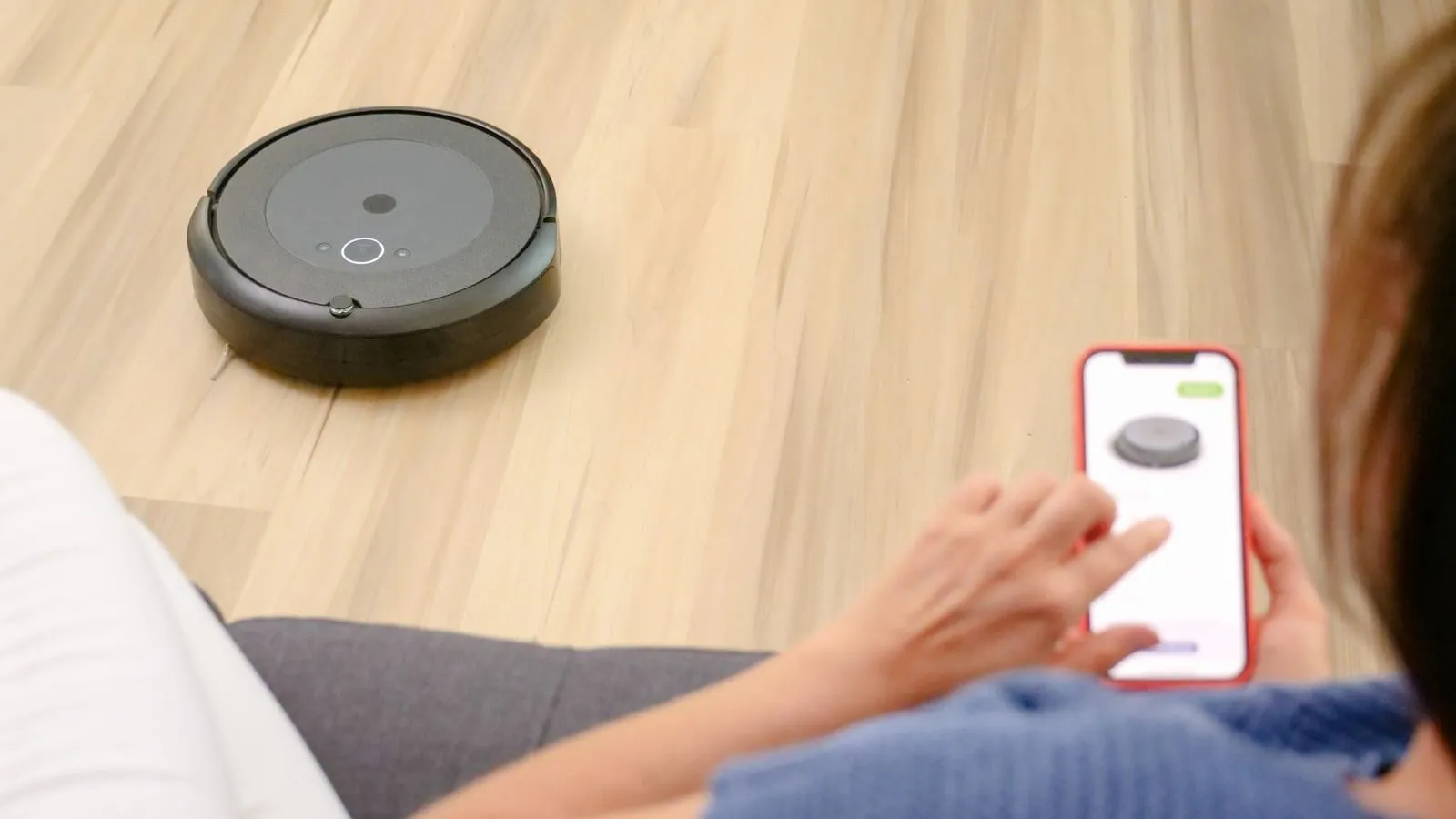
A connected doorbell, thermostat, or smart plug may depend on more than its hardware. Updates can come from a device maker, a hub, a phone app, or an online service—and support for one layer may continue after another changes. A small inventory helps the household find the current support statement and decide what to review, instead of guessing from a device’s age.
Device-support checklist
Make one row per device or platform. Include the exact model and region, the app or hub it uses, where firmware updates appear, and the date you checked the manufacturer’s support page. Record whether everyday control depends on an account, subscription, internet connection, or vendor service. Keep credentials private; the inventory needs the service name, not a password.
| Field | What to write down |
|---|---|
| Product identity | Maker, exact model, hardware revision if shown, and region |
| Software path | App, hub, firmware source, and how updates are announced |
| Support statement | Exact wording or link, date checked, and any stated end date or term |
| Connected services | Account, subscription, cloud feature, or remote-control dependency |
| Household role | What function stops or changes if an app, service, or update path disappears |
| Fallback | Physical control, replacement path, or other household procedure |
NIST’s consumer IoT profile recommends that customers receive information that helps them make informed purchase and maintenance decisions, including information about product support. That is a useful standard for what to look for; it does not establish a support promise for any particular device.
Separate updates from service and feature support
“Supported” can refer to different things. A manufacturer may still provide security updates while a cloud feature or app integration changes. A device may continue to work locally while remote access ends. A mobile app may remain available while a particular model no longer receives updates. Record each separately when the maker documents it.
Look for current product-specific notices, support pages, app release notes, and account messages. Search the maker’s site using the exact model and phrases like “security updates,” “end of support,” “cloud service,” and “local operation.” If the page only describes the current model family, confirm whether it includes your hardware revision and region. Save the source link and review date so another household member can verify it later.
Check more than the main product page. A support article may document a server-side change separately from the device’s firmware page, and a retailer listing may describe features without promising how long they will be maintained. Prefer a dated manufacturer notice or direct written answer for the exact model. If the manufacturer sells the service to another provider or changes an app, update the inventory only after confirming which household functions are affected.
Ask for a clear answer when the page is vague
Contact the manufacturer with the product model and ask:
- Is the device currently receiving security updates, and where are they delivered?
- Is there a published support term or end-of-support notice for this exact model?
- Which functions require an account, subscription, internet connection, or cloud service?
- If service ends, which controls continue locally and which stop?
- How can the device be reset, transferred, or securely removed from an account?
Keep the response with the device record. If the maker gives no date, write “no published date found” rather than calculating one from purchase date or product age. NIST’s research on consumer experience with lost support highlights why households can miss support changes; it is not a basis for predicting an individual product’s future.
Decide what to review first
Start with products whose loss would change an important household routine or remove visibility into a system. Confirm the maker’s current instructions for smoke or carbon-monoxide alarms, locks, cameras, access control, and other safety-related equipment; do not disable or replace them based only on this inventory. For less important devices, decide whether a physical control or manual procedure is enough if the app or cloud service changes.
Set a review date after a major router or hub change, an app migration, a service notice, or a manufacturer support announcement. Mark a device “needs a decision” if its support source is unclear, if remote control is essential but undocumented offline, or if the household cannot explain the fallback. The mesh Wi-Fi planning guide covers the router and mesh layer that many connected devices depend on.
When a device is replaced or removed, follow the maker’s account-transfer and reset instructions before giving it away or discarding it. Remove any linked account, recording subscription, or access permission using the documented process, and confirm whether a replacement preserves the function the household relies on. Keep the old device’s final support note and the new model’s update source together until the new setup is working. This turns support changes into a manageable household maintenance task rather than a surprise when an app stops responding.