In this guide Jump to a section
- The “PoE Budget” Trap: Why Port Counts Lie
- Step 1: The Smart Home PoE Inventory: Understanding Device Classes
- Step 2: Calculating Switch Power Budget and Headroom
- Step 3: Sizing the Network Rack UPS for Blackout Endurance
- Managed Switch Firmware: LLDP-MED and Port Priority Configuration
- Step-by-Step Commissioning Checklist
- Frequently Asked Questions
In modern smart homes, Power over Ethernet (PoE) has evolved far beyond basic security cameras. Today, Category 6 copper network cables deliver low-voltage direct current (DC) and multi-gigabit data to your home’s most vital automation infrastructure:
- Ceiling-mounted Wi-Fi 6E and Wi-Fi 7 access points.
- Dedicated local smart home hubs (like Home Assistant Yellow or Raspberry Pi 5 PoE boards).
- In-wall automation control touchscreens.
- Wall-mounted VoIP door intercoms and motorized smart shades.
By consolidating energy delivery into Category 6 network cables originating from a central utility rack, you can power your entire smart home ecosystem from a single Uninterruptible Power Supply (UPS).
However, many homeowners fall into the PoE Switch Power Budget Trap: they purchase an 8-port or 16-port PoE+ switch assuming every port can supply full power simultaneously, only to watch devices randomly reboot or disconnect when traffic peaks.
Designing a resilient smart home backbone requires calculating true endpoint power classes, understanding internal switch power supplies, and sizing a battery backup to keep your offline automation running during grid blackouts.
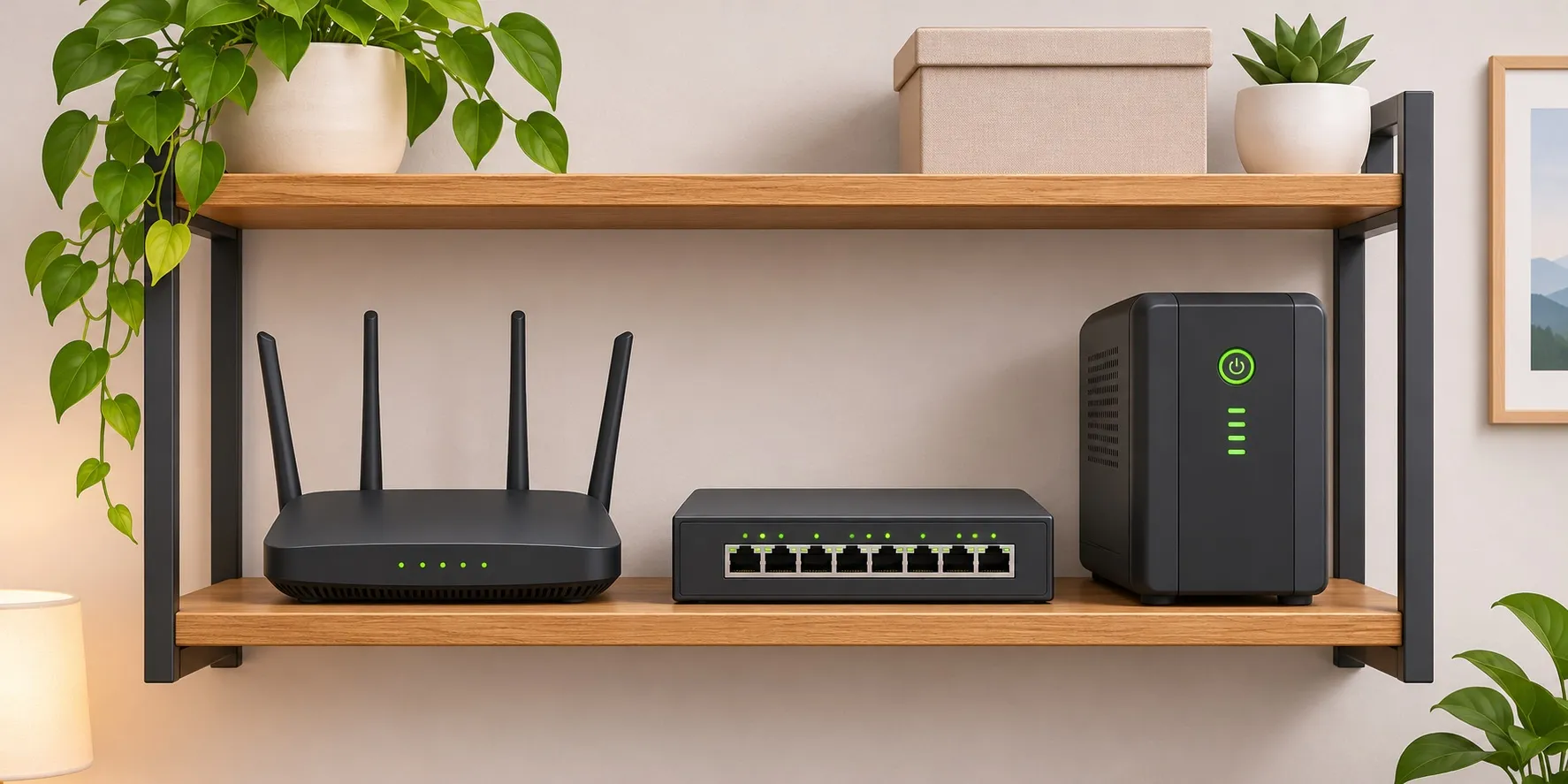
Smart home PoE power topology from centralized battery UPS down to automation endpoints.
The “PoE Budget” Trap: Why Port Counts Lie
When shopping for network switches, consumers frequently see marketing claims like: “8-Port Gigabit PoE+ Switch (30W per port).”
A buyer assumes: 8 ports × 30W = 240 Watts of available power.
In reality, look at the fine print on the manufacturer specification sheet:
- The internal switch power supply is rated at only 65 Watts or 120 Watts total PoE budget.
- If you plug in four Wi-Fi 7 access points each drawing 20 Watts (80 Watts total) into a switch with a 65W budget, the switch overloads.
What Happens During Power Overload? Port Shedding
When total connected device draw exceeds the internal power supply’s wattage ceiling, unmanaged switches exhibit erratic behavior:
- Port Shedding by Numerical Priority: The switch cuts power to higher-numbered ports (e.g., Port 8 and Port 7 are shut off to protect Port 1).
- Cascading Reboots: When a device negotiates high-draw transmission, the switch voltage sags momentarily, causing all connected smart home hubs and access points to crash and reboot simultaneously.
Medium · 1 kWh Core Baseline
EcoFlow DELTA 3
- Continuous AC output
- 1,800 W
Why it fits A portable power station may power compatible devices within its limits; verify equipment requirements and arrange a separate medical backup plan.
Key trade-off Use the exact DELTA 3 (EF-DL-H10-3) manual; do not transfer specifications from DELTA 3 Plus or DELTA 3 Classic variants.
Specifications & research
1,024 Wh LiFePO4 portable power station. Source records checked on 2026-10-04. Manufacturer research, not hands-on testing.
- Nominal capacity
- 1,024 Wh · Source checked 2026-10-04
- Continuous AC output
- 1,800 W · Source checked 2026-10-04
- Base-unit weight
- 27.6 lb · Source checked 2026-10-04
Manufacturer documentation. Confirm the exact model, connections, and load requirements before buying.
Step 1: The Smart Home PoE Inventory: Understanding Device Classes
Under IEEE standards, Power over Ethernet is divided into four distinct types and eight operational classes:
| IEEE Standard | Type & Class | Max Power at Switch Port | Typical Smart Home Endpoint |
|---|---|---|---|
| 802.3af (PoE) | Type 1 (Class 1–3) | 15.4 Watts (12.95W at device) | VoIP phones, door intercoms, Zigbee/Z-Wave PoE bridges |
| 802.3at (PoE+) | Type 2 (Class 4) | 30.0 Watts (25.5W at device) | Wi-Fi 6/7 access points, Home Assistant Yellow, in-wall touchscreens |
| 802.3bt (PoE++ Type 3) | Type 3 (Class 5–6) | 60.0 Watts (51.0W at device) | High-speed PTZ cameras, PoE smart speaker amplifiers, micro PCs |
| 802.3bt (PoE++ Type 4) | Type 4 (Class 7–8) | 90.0 Watts (71.3W at device) | PoE LED architectural light fixtures, motorized TV lifts |
Real-World Smart Home Endpoint Consumption
Endpoints rarely draw their maximum theoretical class rating continuously. Here is what actual smart home devices consume under normal load:
- Wi-Fi 6 / Wi-Fi 7 Access Point (e.g. UniFi U7 Pro, TP-Link EAP773): Draws 7W to 11W idle; spikes to 18W to 24W during heavy multi-gigabit file transfers or when 40+ smart home IoT devices transmit simultaneously.
- Home Assistant Yellow / Raspberry Pi 5 with PoE HAT: Draws 4W to 6W idle; reaches 12W to 15W when running local speech processing (Whisper), Zigbee coordinator radios, and local database logging.
- In-Wall Touchscreen Display (e.g. Sonoff NSPanel Pro PoE, Control4 T4): Draws 8W to 12W with the LCD screen active at 100% brightness and intercom two-way audio streaming.
- Smart Doorbell & Chime Unit: Draws 4W to 7W during idle monitoring; pulses to 10W when the mechanical chime relay and infrared LEDs fire.
Step 2: Calculating Switch Power Budget and Headroom
To calculate the required PoE switch wattage rating, use this formula:
Required Switch PoE Budget = (Sum of Peak Endpoint Wattages) × 1.25 Safety MarginWorked Calculation: Comprehensive 3-Bedroom Smart Home
Consider a resilient home automation setup:
- 2x Wi-Fi 7 Access Points: 2 × 21W peak = 42 Watts
- 1x Home Assistant Yellow Hub: 14 Watts
- 1x In-Wall Kitchen Touchscreen: 11 Watts
- 1x PoE Smart Video Doorbell: 8 Watts
- 1x Zigbee/Thread PoE Network Coordinator: 6 Watts
Total Peak Device Draw: 42W + 14W + 11W + 8W + 6W = 81 Watts.
Applying the mandatory 25% engineering safety margin:
81 Watts × 1.25 = 101.25 Watts.
Hardware Recommendation: An 8-port PoE switch with a 65W budget will fail. You must choose a switch with at least a 120W to 130W PoE power budget (such as the UniFi Switch Lite 16 PoE or TP-Link TL-SG1016PE) to guarantee stable operation during peak network surges.
Step 3: Sizing the Network Rack UPS for Blackout Endurance
Now that we know our PoE switch delivers 81 Watts of DC power to smart home devices, how large of a UPS do we need to survive a multi-hour electrical blackout?
1. Converting PoE Load to Wall Power (AC Draw)
A PoE switch is not 100% efficient. It converts 120V alternating current (AC) into 48V direct current (DC) with internal conversion heat losses:
- Switch Internal Power Supply Efficiency: Typically 85%.
- Switch Motherboard Baseline: The switch processor, fans, and switching ASIC consume 15 to 20 Watts on their own.
Total Switch AC Wall Draw = (Total Connected PoE Load ÷ 0.85) + Switch Motherboard Idle
Total Switch AC Wall Draw = (81W ÷ 0.85) + 18W = 95.3W + 18W = ~113 Watts
If we also connect the home’s fiber optical network terminal (ONT, 8W) and primary router (14W) to the UPS:
Total Rack Continuous Load: 113W + 8W + 14W = 135 Watts.
2. Battery Runtime Calculations
Inside a standard 1,500 VA / 900 Watt UPS, you will find two 12V 9Ah sealed lead-acid batteries providing 216 Watt-hours (Wh) gross. Factoring in 82% inverter efficiency:
- Usable Net Energy:
216 Wh × 0.82 ≈ 177 Watt-hours.
Now apply the runtime formula:
Runtime = Usable Energy (Wh) ÷ Total Load (Watts)
Runtime = 177 Wh ÷ 135 Watts = 1.31 Hours (approx. 78 minutes)| UPS Hardware Architecture | Usable Battery Capacity | Light Smart Home Load (70W) | Full Smart Home Load (135W) |
|---|---|---|---|
| Entry 850VA Desktop UPS (1x 12V 9Ah SLA) | ~85 Wh | 1 hour 12 minutes | 38 minutes |
| Standard 1500VA UPS (2x 12V 9Ah SLA) | ~177 Wh | 2 hours 30 minutes | 1 hour 18 minutes |
| 1500VA UPS + External Battery Expansion | ~680 Wh | 9 hours 40 minutes | 5 hours 02 minutes |
| 1,024Wh LiFePO4 Power Station in EPS Mode | ~870 Wh | 12 hours 25 minutes | 6 hours 26 minutes |
The Long-Duration Outage Strategy: LiFePO4 Portable Stations
If your objective is to keep your smart home automation, Wi-Fi, and Zigbee sensors running through an overnight 8-hour storm blackout, lead-acid desktop UPS units are insufficient.
Connecting your network rack power strip to a 1,024Wh Lithium Iron Phosphate (LiFePO4) power station with EPS bypass mode (such as an EcoFlow DELTA 2 or Bluetti EB70S) provides over 6 hours of continuous power for a full 135W smart home rack, and over 12 hours if non-essential access points are placed in energy-saving modes.
Managed Switch Firmware: LLDP-MED and Port Priority Configuration
If you install an unmanaged “dumb” PoE switch, the switch allocates power blindly.
Investing 30 to 50 dollars more for a Managed or Smart-Managed PoE Switch unlocks three critical resilience controls:
1. LLDP-MED Dynamic Power Negotiation
By default, some legacy switches allocate a static 30W block to every port that requests PoE+, instantly exhausting the switch budget even if the device only draws 8W.
- Enable LLDP-MED (Link Layer Discovery Protocol - Media Endpoint Discovery) in your switch web interface.
- The smart endpoint and the switch exchange digital telemetry, allowing the switch to reserve only the exact wattage the device actually requires.
2. Hardware Port Priority Rules
In the switch interface, assign priority levels to each physical port:
- Critical Priority: Port 1 (Home Assistant Hub) and Port 2 (Fiber ONT).
- High Priority: Port 3 (Main Hallway Wi-Fi Access Point).
- Low Priority: Port 7 & 8 (Secondary guest room touchscreen, decorative LED accent drivers).
If a battery backup runs low or an access point spikes during a firmware update, the switch automatically sheds power from low-priority ports while keeping your central automation brain and primary network link alive.
Managed Switch Port Priority Cascade:
System Overload / Battery Saver Mode Active:
  → Port 8 (Decorative Touchscreen): SHED / POWER CUT
  → Port 3 (Main Wi-Fi Access Point): MAINTAINED
  → Port 1 (Home Assistant Automation Hub): PROTECTED (Zero Interruption)
Step-by-Step Commissioning Checklist
Follow this procedure to commission a resilient smart home PoE backbone:
- Tally Device Wattages: Add the maximum peak power ratings of all access points, hubs, touchscreens, and intercoms.
- Verify Switch Power Supply: Confirm the stamped PoE budget on the switch casing exceeds your device total by at least 25%.
- Use 100% Solid Copper Cat6: Never use cheap Copper-Clad Aluminum (CCA) cables for PoE. CCA cables have higher electrical resistance, causing excessive voltage drop, dangerous heat buildup inside conduit, and wasted power.
- Select Pure Sine Wave UPS: Ensure your battery backup outputs a pure sine wave to protect sensitive active PFC power supplies in modern network gear.
- Configure Managed Port Priorities: In the switch software, designate your home automation hub and fiber modem as “Critical” priority.
- Test Blackout Transfer: Physically pull the UPS plug from the wall outlet while family members are using Wi-Fi. Verify that no devices reboot, drop packets, or lose network state during the power transfer.
Frequently Asked Questions
Can I run a Raspberry Pi 5 directly from a PoE switch?
Yes, but you must install an official Raspberry Pi PoE+ HAT (or a certified third-party IEEE 802.3at HAT). The HAT steps down the 48V DC line voltage from the Ethernet cable to the 5V DC required by the Pi’s USB-C power rail. Ensure your PoE switch supports IEEE 802.3at (PoE+), as a Raspberry Pi 5 with connected USB peripherals can draw up to 25W peak, exceeding older 802.3af limits.
What is the maximum cable distance for Power over Ethernet?
Under the TIA/EIA standard, the maximum certified cable length for Category 5e, 6, or 6A twisted-pair copper is 100 meters (328 feet). High-quality 23 AWG solid copper Cat6 delivers reliable power and gigabit data across this full distance with minimal voltage drop.
Why do access points reboot during speed tests on weak switches?
When an access point initiates a multi-gigabit throughput speed test across multiple spatial streams, its internal radio transceivers draw maximum peak current. If your PoE switch power supply is operating near its wattage limit with no headroom, the instantaneous current spike sags the port voltage below 44V DC, triggering the access point’s low-voltage reset circuit.