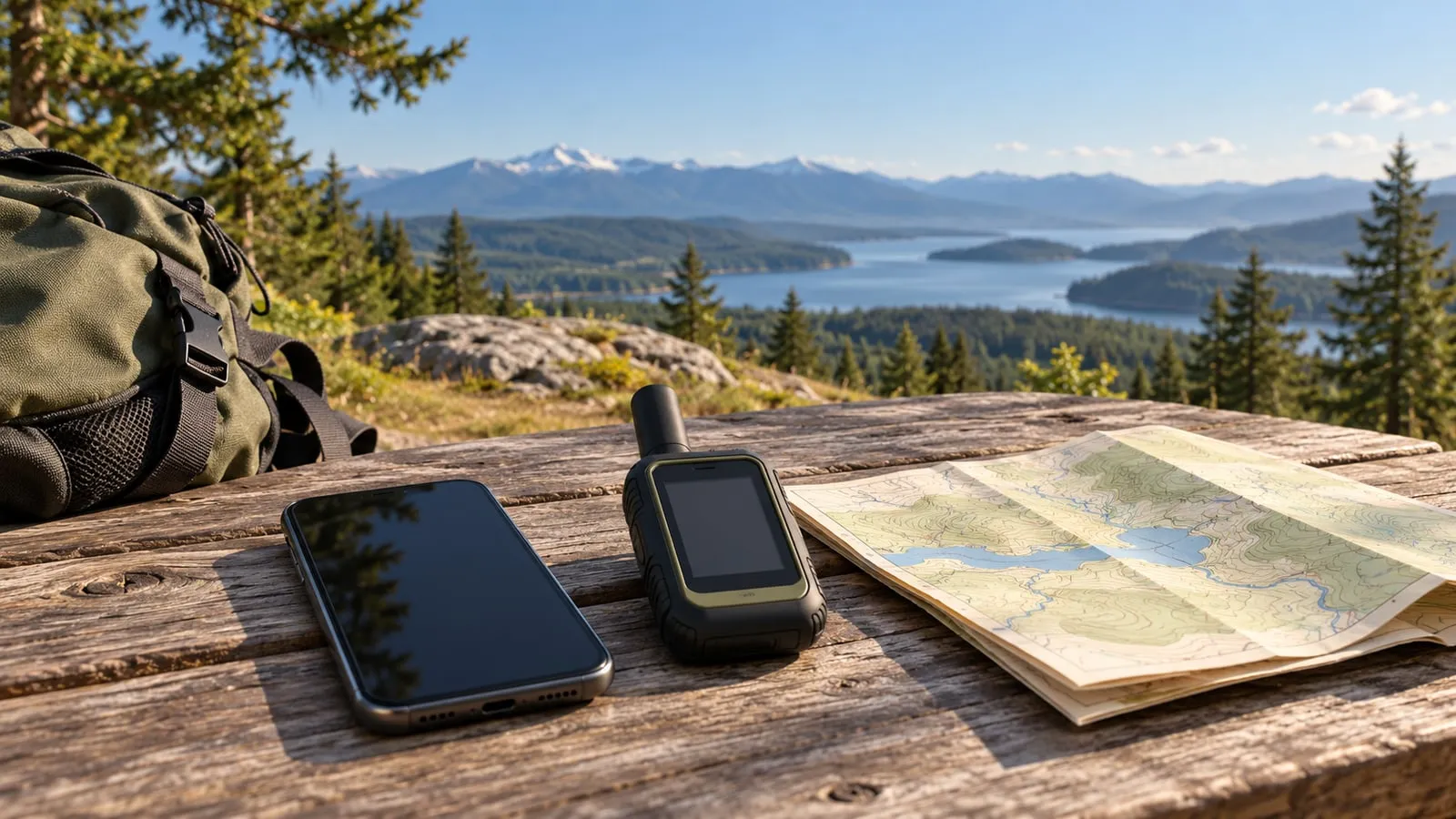
A missed check-in is a different problem from a request for emergency help. Decide which one you need to solve, who receives the message and what happens if the phone is damaged or empty. That is more useful than choosing a brand from a list of maximum battery-life claims.
This comparison uses the inReach Mini 2, ZOLEO communicator and eligible iPhone satellite features as specific examples. It does not describe every Garmin generation or rank reception. Start with the no-internet communication plan if written contacts, local alerts and ordinary phone fallbacks are not in place.
Compare the phone-failure boundary
| Option | What the documented device path provides | What to settle before relying on it | Who Should Skip It / Fails When |
|---|---|---|---|
| Garmin inReach Mini 2 | On-device check-ins and text composition; pairing can make writing easier | Current feature entitlement, contacts, firmware and ability to use the small screen/buttons | Skip if budget cannot support monthly subscription plans; fails when active activation lapses. |
| ZOLEO communicator | Hardware check-in and SOS alert controls without the app | A paired, powered phone for fuller messaging and two-way conversation; account status | Skip if relying solely on hardware buttons for long typed updates; fails when phone battery dies. |
| Eligible iPhone | Emergency SOS via satellite and, where separately supported, ordinary Messages via satellite | Exact phone, software, purchase region, destination and carrier conditions; phone usability | Skip in thick canopy or deep ravines; fails when line-of-sight to orbiting LEO/GEO satellites is blocked. |
The Mini 2 manual documents composing text on the unit. That can matter when a working phone is not available, but check that the intended user can operate the controls.
The ZOLEO manual separates its hardware check-in/SOS controls from the app’s fuller message features. Pressing a hardware SOS control and reading or replying to a conversation are not the same task.
ZOLEO says its response center may message you to establish the emergency’s severity; the connected app lets you read and answer that exchange. A hardware alert without a working phone does not provide the same conversation. Include that limitation when planning for phone failure.
Check the phone you already own
An eligible iPhone may already provide the fallback you need. Use the iPhone setup and safe-demo guide to check Apple’s current requirements before paying for separate hardware.
Emergency SOS is the emergency-service path. Messages via satellite is a separate feature for contacts, with its own availability and carrier conditions. Do not assume support for one proves support for the other. Neither turns the phone into a satellite broadband terminal or replaces an evacuation instruction.
Apple says ordinary Messages via satellite must not be used for emergencies. For its emergency path, first try the local emergency number; if that call cannot connect, follow the iPhone’s Emergency SOS satellite instructions. Practice only the built-in demo when preparing the phone.
Worked Satellite Power and Tracking Battery Calculation
To ensure continuous communication during a multi-day evacuation or extended grid outage, battery consumption must be budgeted by transmission interval.
Calculation Formula:
- Tracking Interval: 10-minute location ping interval
- Transmit Burst Duration (t_tx): 2.5 seconds per message at 1.5W RF peak power
- Standby Sleep Draw (I_sleep): 0.15 milliamps (mA) DC
- Internal Li-ion Battery (Cap): 1250 mAh at 3.7V = 4.625 Watt-hours (Wh)
- Estimated Runtime in 10-Minute Tracking Mode (T_track): Approx. 140 to 200 hours of continuous field operation.
- Continuous Tracking Impact: Dropping the tracking interval from 10 minutes to 30 seconds multiplies radio transmission frequency by 20, depleting battery life in under 18 hours.
Read the service status feature by feature
Before relying on a dedicated device, check what its current account state permits: SOS, ordinary messages, check-ins and tracking may have different rules. Hardware purchase, activation, a suspended plan and a canceled account are not interchangeable states. Manufacturers can change entitlements; do not infer them from an old review or from the device powering on.
Garmin’s October 20 service-plan overview describes SOS during suspension for compatible devices with updated software connected through Garmin Messenger. That is a conditional service path, not a claim that every suspended Mini 2 is ready. Confirm the linked support requirements and your own account before relying on it.
For a cost comparison, obtain current device and service terms for the actual country. Include activation, planned months of use, suspension/reactivation, message allowances and any optional services you need. This guide supplies no universal cheapest option or claim that rescue expenses are included.
Satellite fallback record
Keep this private record with the household communication card.
| Question | Record before leaving coverage |
|---|---|
| What must we send? | Routine check-in, a reply, or an emergency request; name each required feature |
| Where will it be used? | Destination and date the manufacturer’s current eligibility was checked |
| What is ready? | Exact device, firmware/app, activation and feature-specific service status |
| Who is expecting a message? | Recipient, agreed time and what they should do if it is missed |
| What if the phone fails? | Available device-only functions, accessible power and the remaining offline plan |
Complete setup while ordinary connectivity is available. Use only the maker’s non-emergency test or demo instructions; never initiate SOS to see whether it works. A successful practice confirms that practice in those conditions, not future service. Terrain, structures and sky view can block satellite links. Keep a separate power plan and follow local emergency instructions when a working emergency-call path is available.
Maintenance, Constellation Latency, and Field Operational Edge Cases
Operating satellite communication devices during a wilderness evacuation or regional grid failure involves understanding orbital mechanics, sky-view geometry, and subscription status verifications. Unlike cellular networks that maintain continuous local tower links, satellite messengers rely on Low Earth Orbit (LEO) constellations such as Iridium or Globalstar, or Geostationary Earth Orbit (GEO) satellites.
Orbital Mechanics, Line of Sight, and Message Latency
LEO constellations orbit at altitudes between 500 and 1,200 kilometers, travelling at extreme velocities across the sky. Because satellites pass quickly over any given point on Earth, a satellite messenger must establish a clear, unobstructed line of sight to the open sky. Dense forest canopies, steep canyon walls, deep valleys, and urban concrete structures can block or severely degrade the weak microwave radio signals exchanged between the handheld device and the orbiting satellite.
When sending a message:
- Ensure you are standing in an open clearing away from tall vertical cliffs or dense evergreen tree cover.
- Hold the device upright with the internal antenna oriented toward the apex of the sky, as blocking the antenna with your hand or body will cause transmission failure.
- Understand that message transmission latency ranges from 15 seconds to several minutes depending on satellite passage geometry. Do not move or power down the device immediately after hitting send; wait for the confirmation vibration or screen icon indicating packet delivery.
Subscription Lifecycle and Activation Verification
One of the most dangerous edge cases in satellite communications is assuming that a device purchased years ago and placed in a drawer remains ready for emergency activation. Satellite communication hardware is entirely inert without an active, funded service subscription.
To prevent catastrophic service failure when an emergency occurs:
- Log into your device portal annually to verify that your service plan is active and that your emergency contact list, custom check-in text messages, and billing details are current.
- If your plan utilizes seasonal suspension, perform a test message check immediately upon reactivating the plan before departing into remote coverage areas.
- Ensure your emergency contacts understand that check-in messages do not constitute a request for rescue, whereas an SOS activation triggers a coordinated international emergency response through the GEOS International Emergency Response Coordination Center (IERCC) or equivalent official dispatch authorities.