Keep a Home NAS Safe Through a Power Cut: UPS Shutdown Checklist
Protect a home NAS from an abrupt outage by checking UPS signaling, automatic shutdown, recovery behavior, and a separate backup of important files.
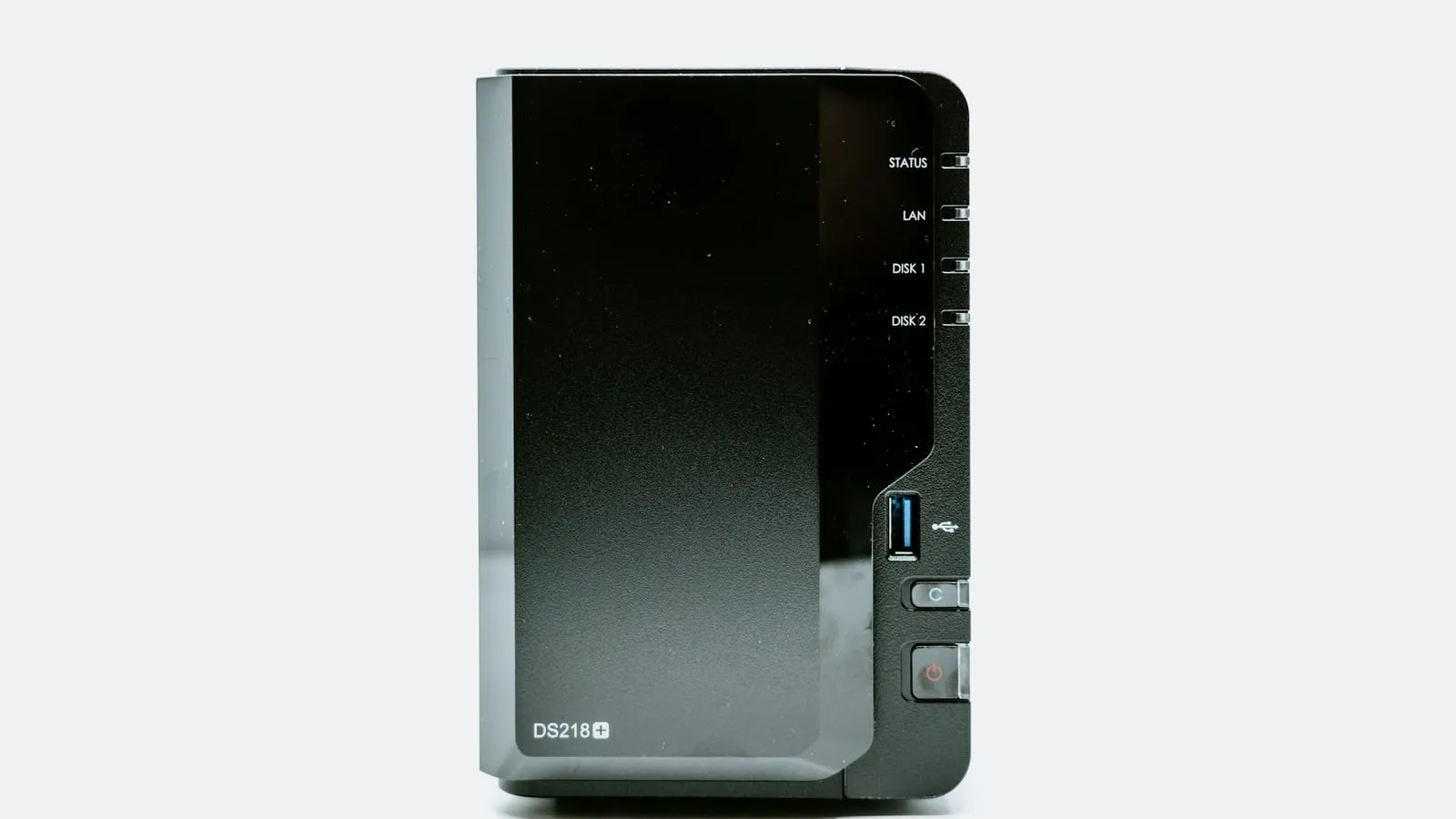
A NAS can hold years of household photos and documents, yet one abrupt power loss can interrupt active writes. A UPS may provide time for a controlled shutdown, but only when the exact UPS can communicate with the NAS and the shutdown behavior is configured and tested. It is not a substitute for a separate copy of files.
Confirm that the NAS and UPS can talk
Find the NAS model, operating-system version, UPS model, and the connection method specified by their makers. Some NAS systems use a USB connection to receive a UPS status signal; networked configurations may need a particular supported arrangement. Check the compatibility list and manuals for both products. A plug that physically fits is not proof that the NAS recognizes the UPS or can act on its signal.
Synology’s DSM UPS help, for example, documents UPS settings for its own system. Its high-availability cluster instructions describe additional network coordination for that specialized setup. These are useful examples of why NAS model and software version matter; they are not universal steps for every brand or a safe invitation to copy cluster settings onto a single device.
Review the shutdown path
In the NAS interface, locate the documented UPS status and shutdown settings. Confirm what triggers shutdown, what the NAS does after the signal, and how it is expected to return when power is stable. If other devices depend on the NAS—such as a camera recorder or home automation controller—check whether those systems have their own orderly shutdown path.
Use the manufacturer’s simulation or test procedure if one is documented. Do not unplug the NAS during active file transfers or use important data as a test. Before testing, check that backups are current and that anyone using the storage knows a planned brief interruption is coming. If there is no supported way to confirm communication, ask the NAS and UPS makers rather than guessing from a front-panel light.
Also make sure the shutdown schedule fits the way the household uses the NAS. If people stream from it, back up phones to it, or access files remotely, tell them when the controlled test will happen. Record the status message the NAS displays while utility power is normal and the message it reports during the documented test. If those statuses do not match the manual, stop and ask support; a successful power-on by itself does not prove the signal path worked.
| Check | Record before relying on it |
|---|---|
| Device compatibility | NAS model, DSM or system version, UPS model, supported connection |
| Signal received | How the NAS reports utility power loss or UPS status |
| Shutdown behavior | Trigger and the manufacturer’s expected sequence |
| Network dependencies | Router, switch, or server required for the chosen UPS arrangement |
| Restart behavior | Whether restart is automatic or requires a person, and any stated conditions |
| Restore path | Where the separate backup lives and when it was last restore-tested |
NAS UPS checklist
- Confirm NAS model, system version, UPS model, and the manufacturer’s compatibility statement.
- Check how the NAS receives UPS status and what setting triggers a controlled shutdown.
- Record network dependencies and what happens after utility power returns.
- Use a documented, low-risk test and confirm the NAS reports the expected status.
- Verify a separate backup exists and that important files have been restore-tested.
Keep backup and shutdown protection separate
A UPS helps with power continuity; a backup helps recover from deletion, device failure, theft, malware, or corruption. CISA’s data backup guidance recommends keeping multiple copies across different media and at least one copy offsite. Choose a backup approach that is independent enough for the household’s risks, and periodically verify that important files can actually be restored.
Do not treat a mirrored drive, RAID volume, or second folder on the same NAS as the only backup. Those can help with some hardware failures but may share the same power, enclosure, account, and deletion path. The right backup arrangement depends on the files, recovery time, privacy needs, and budget; this article does not select a cloud service or storage product.
Make the plan understandable to another person
Write down the model numbers, location of the NAS and UPS manuals, what a normal status screen looks like, and the safe contact to call if shutdown is reported as incomplete. Note whether the router or switch must remain powered for any network UPS feature. Keep the paper plan concise so a household member can tell whether the NAS is running normally or waiting for attention.
After an actual outage, wait for utility power to stabilize according to the equipment instructions, then check the NAS status and any reported storage or volume warnings before restarting services or beginning a recovery action. Do not run unfamiliar disk repair commands or power-cycle a device that reports a fault. Capture the exact warning and contact the NAS maker or a qualified data-recovery professional if important files are at risk. The safe next step depends on the system state and should not be guessed from a generic outage checklist.
The NAS plan is ready when the exact model compatibility is confirmed, the shutdown path is configured and safely checked, and an independent backup has a recent restore test. For load planning, the Essential Loads Worksheet can help list the NAS and network gear; its estimates do not confirm UPS signaling or data integrity.