Can a Portable Power Station Replace a UPS? Check Its Transfer Time
A portable power station may run electronics during an outage, but its backup mode may briefly interrupt power. Check the exact manual before relying on it for a computer or NAS.
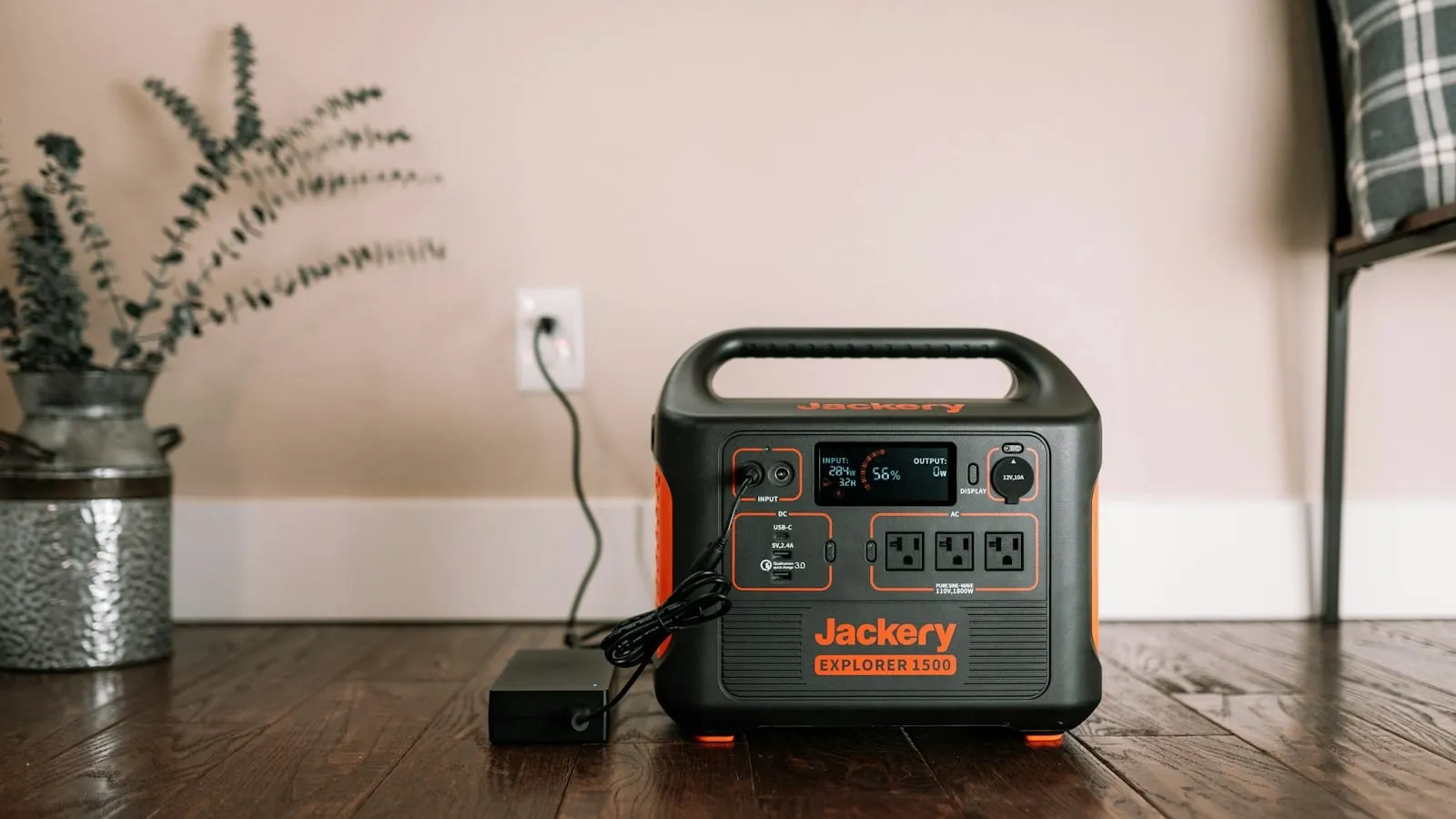
A desktop restarts in the middle of a file transfer even though the power station still shows a nearly full battery. The battery may have enough energy; the brief change from wall power to battery output may be the problem. Before counting on that setup, separate the device’s need to stay on from the number of hours you want it to run.
Runtime and transfer are separate questions
Runtime asks how long the battery can supply a load. Transfer behavior asks what happens at the outlet when utility power disappears or returns. A large battery can offer many hours and still have a transition that causes a sensitive device to reboot. A small UPS can bridge the transition while providing much less energy overall.
Labels such as “EPS,” “backup,” “pass-through,” and “UPS mode” are not enough to answer that question. Manufacturers describe particular products and modes differently. For example, EcoFlow’s DELTA 2 manual gives product-specific EPS behavior and warns against equipment that requires zero interruption; other model manuals describe different specifications. Read the manual for the exact unit you own or plan to buy, not a neighboring model’s page.
Check the exact model before connecting equipment
Find the manual’s sections for EPS or UPS mode, transfer time, supported operating range, output limits, and pass-through charging. Confirm whether the mode uses specific outlets, whether it must be enabled, and what the manufacturer says about computers, servers, or sensitive electronics. A manufacturer statement about one model does not transfer to a similar-looking product.
| What to check | What to record | Why it matters |
|---|---|---|
| Exact model and region | Model number, revision, current manual link | Names and specifications can differ by market or revision |
| Backup mode | Required setting and supported outlet | The feature may only apply in a particular mode or port |
| Transition behavior | Published transfer time or explicit limitation | A pause may be long enough for a device to restart |
| Load | Device input rating and startup behavior | Overload or an unsupported load can defeat the backup plan |
| Return to utility | What happens when grid power comes back | Reconnection may also interrupt or change output |
If the manual does not state transfer behavior clearly, ask the manufacturer. Treat the answer as unknown until the maker confirms the exact model and use. Schneider’s Smart-UPS guidance describes sensitivity settings that affect transfer time within that product family. Its scope is not a compatibility certification for a power station or your connected equipment.
Make a small record with the statement and the page date. Note whether the feature applies while charging from the wall, whether it works with the outlet you plan to use, and whether the manual limits simultaneous input and output. A product page can summarize a feature while the full manual describes exclusions or operating conditions. Keep both references, but use the manual’s limits when planning a real load.
Power-station compatibility checklist
Use a spare or noncritical load first. Save work, close applications, and make sure important files are backed up. Do not use the first test to find out whether a NAS or workstation can tolerate an interruption. Follow the power station manual, connect only supported equipment, and observe what happens when utility input is removed and restored.
- Confirm the exact model, region, firmware, outlet, and backup mode.
- Find the manual’s transfer and supported-load statement; ask the maker if unclear.
- Protect important files and close active work before any planned test.
- Test with a noncritical load and observe both loss and return of utility power.
- Keep a separate shutdown plan if the maker does not document the behavior your equipment needs.
For a computer, check whether it stays on and whether the operating system logs a shutdown or restart. For a NAS, use the NAS maker’s supported shutdown and UPS process instead of pulling power as a test. If uninterrupted operation is essential, choose equipment whose manufacturer explicitly supports the load and transition requirement, then verify the complete setup under ordinary conditions.
For a household laptop used for casual browsing, a short restart may be inconvenient but manageable if work is saved. For a NAS holding the only copy of family photos, an unexpected interruption deserves a different risk decision. Identify which devices can tolerate a reboot and which require time to shut down cleanly. That distinction can keep the household from treating every outlet as equally critical.
Choose the tool for the job
A portable power station may be useful when the main need is longer runtime for selected devices. A purpose-built UPS is designed around short interruptions and orderly shutdown; the exact model still matters. Some households use both: a UPS handles the transition while a larger battery extends runtime, but the makers must support that combination and the actual load.
Neither approach restores an internet provider’s service if its network is down. A powered router only helps when the provider path and required upstream equipment remain available. For watt-hours and load planning, the Essential-Load Backup Power Worksheet can organize the devices and their needs; it cannot certify a transition or select a compatible UPS.
Before relying on backup mode, save the exact manual, record the mode and outlet used, test with noncritical equipment, and write down the recovery steps. If the manufacturer does not document the behavior your equipment needs, plan for a separate supported UPS or safe shutdown instead.